New Year, New Apps: 2026 Edition
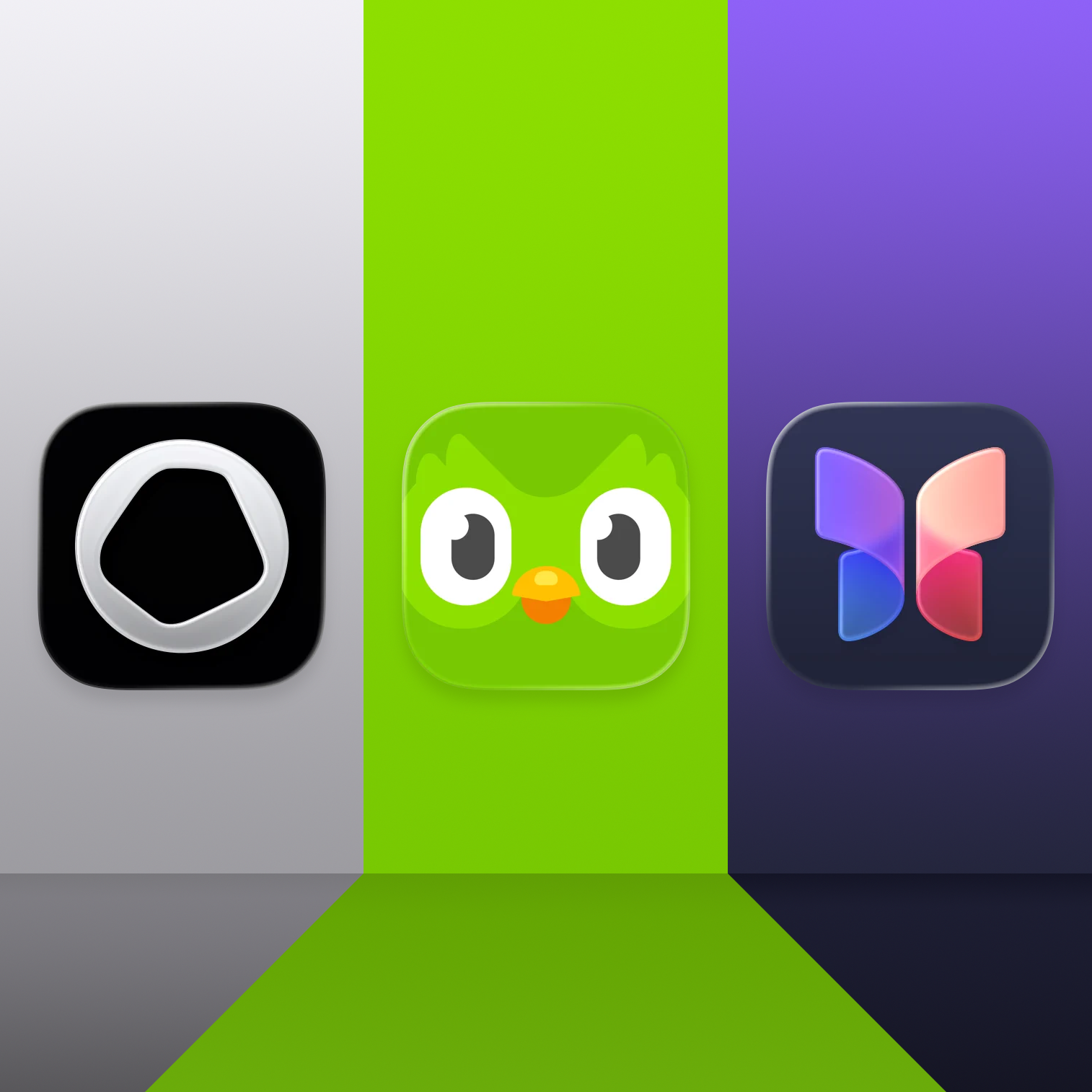
Three new apps to ring in the new year. Reclaim six years of your life, learn something new, and a journal app for people who don’t like to journal.
Welcome to 2026. New year, fresh start, and a good moment to rethink what actually earns a spot on our devices. For the first post of the year, I wanted to share three apps that align nicely with what I’m trying to improve on in 2026.
Nothing too ambitious, just a few simple goals:
Be more intentional with my devices and spend less time mindlessly scrolling.
Start learning a new language and dust off some long-forgotten maths skills.
Keep journaling.
Opal
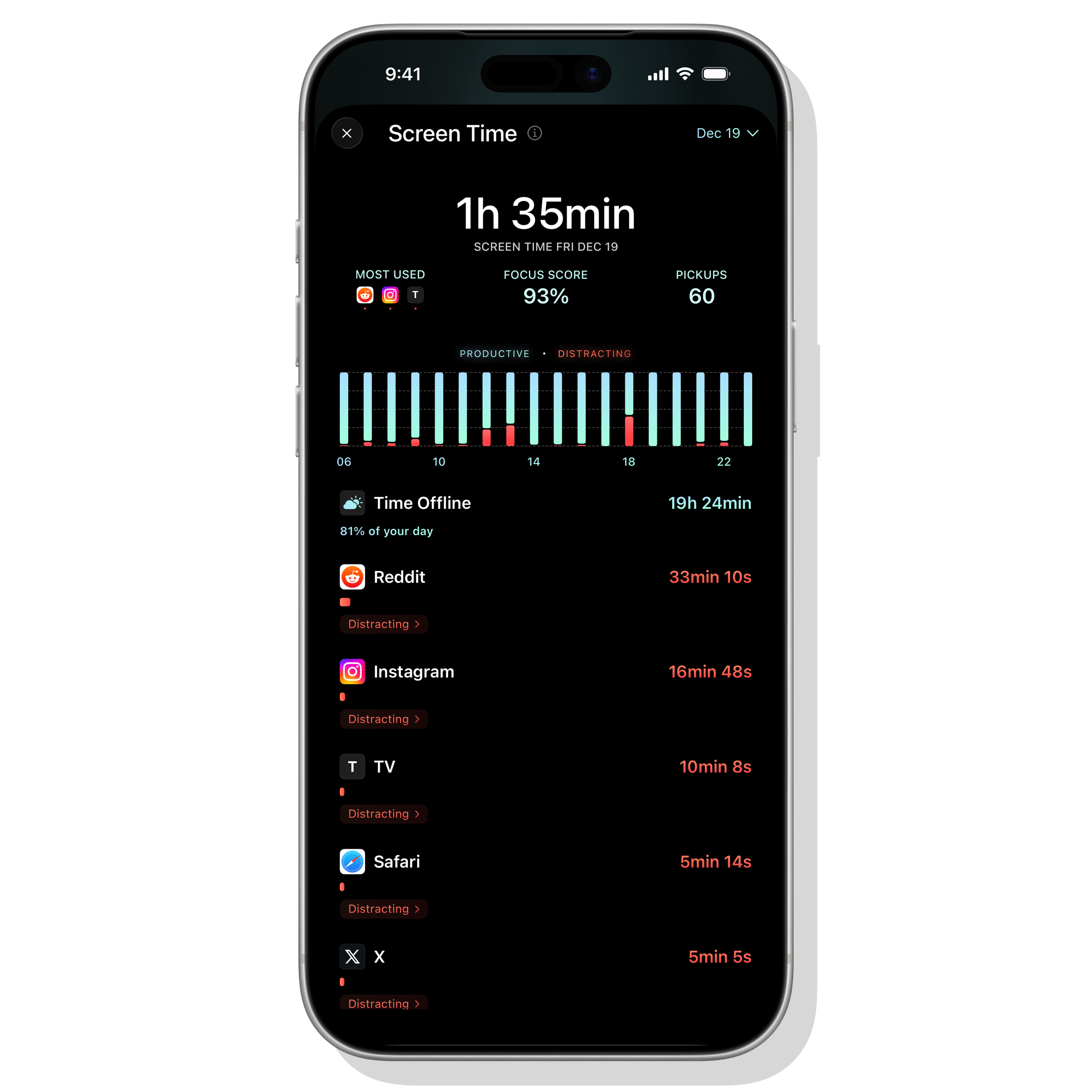
Opal gives me the information and the tools to make my device use more intentional and productive.
The average person will spend 5 to 6 hours on their phone today. And tomorrow. And the day after that. Do the math out far enough, and if you’re lucky enough to make it to 80 and started using a phone around 18, you’re looking at 15+ full years of your life spent staring at a screen. Nearly a quarter of it.
Framed like that, it makes me want to chuck my iPhone across the room. But the phone isn’t really the problem. My relationship with it is. I still want to use my iPhone. I just don’t want a quarter of my life quietly disappearing into social feeds, doomscrolling.
Enter Opal, an Apple Design Award finalist for Social Impact in 2025. It’s a free app with optional subscriptions that’s designed to help you track, block, and generally be more mindful about how you use your devices.
First, tracking. I’m a big believer in the idea that awareness leads to change. Whether it’s fitness, food, or screen time, just having the data makes it easier to pause and make better decisions. Opal gives you a surprisingly detailed look at how much time you spend on your device, where it goes, and how “productive” that time actually is. It’s hard to ignore once you see it.
Second, blocking. Opal lets you flag the apps you personally find most distracting and block them during specific times of day. You can use their presets or build your own schedules, so it only kicks in when you want it to. Work hours, mornings, evenings, or all of the above.
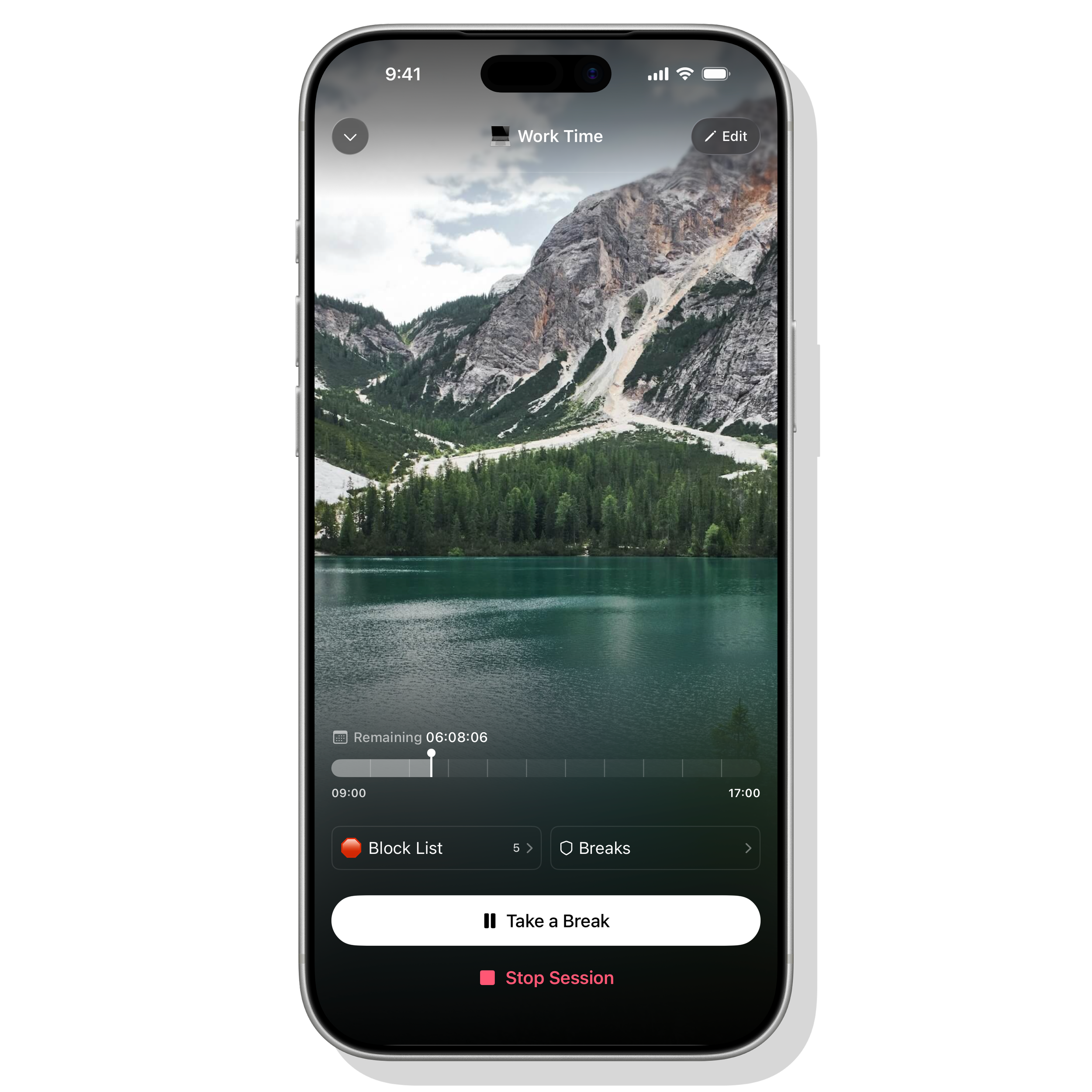
Opal doesn’t punish you for liking social media, but it helps you schedule breaks and help you be aware of mindless pickups.
The real magic, though, is the friction. How many times do you pick up your phone without even thinking about it, and suddenly you’re ten minutes deep into nothing? With Opal, you're still able to access all your apps, but it adds just enough friction to help you be aware of what's going on, ranging from a splash screen reminding you that you're not supposed to be using this app, to a 7 second timer while having to answer a skill-testing question, to a full-on block. You decide how strict or annoying it gets. The goal isn’t punishment, it’s buying yourself a few seconds to make an intentional choice.
I’ve only been using Opal for about a week, but my wife has sworn by it for a while now. She credits it with making a noticeable dent in her morning social media habits, which was enough of a recommendation for me.
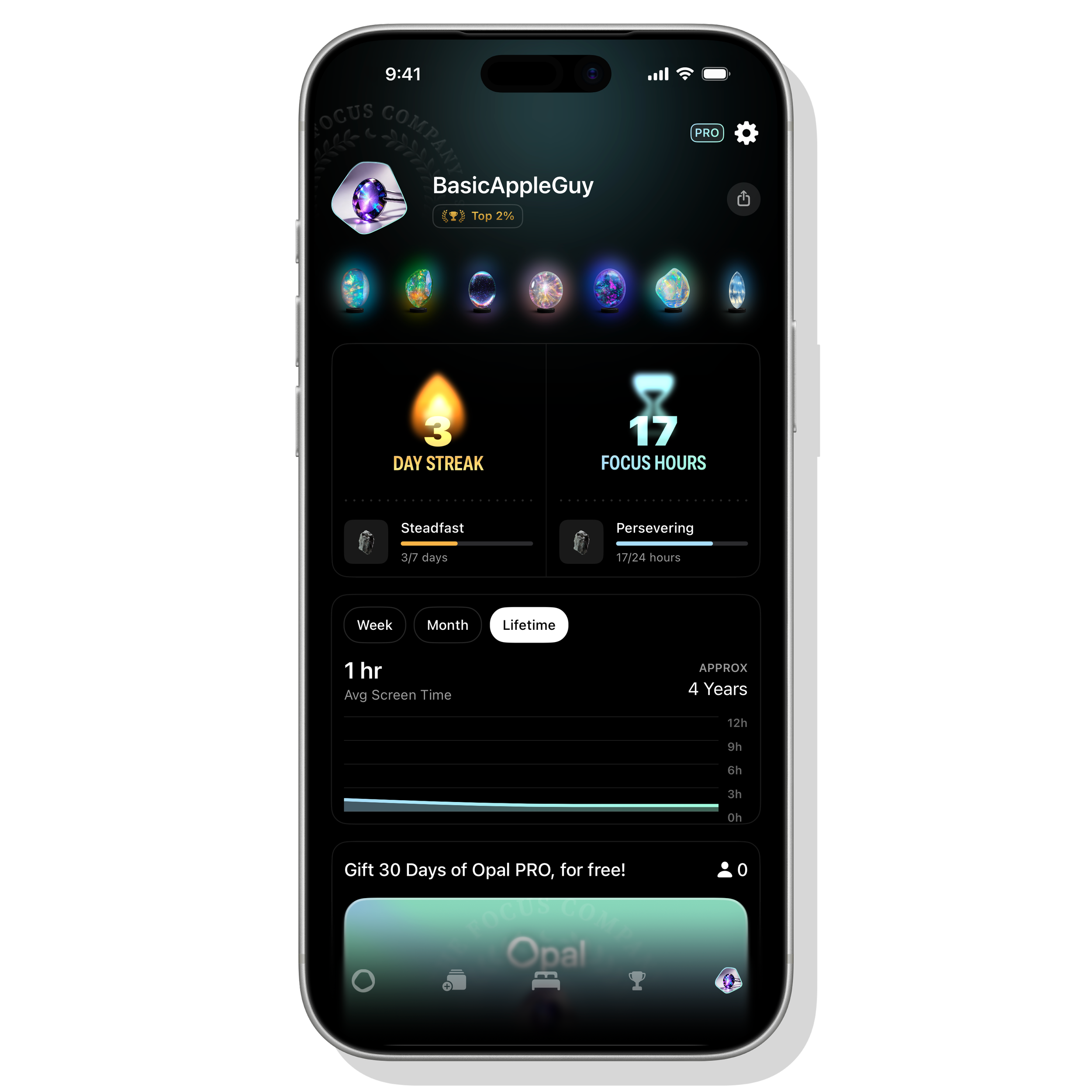
Plus… you can collect Opals! So pretty!
Think of Opal as Apple’s Screen Time, but on steroids. The developers claim it can save an average of 87 minutes a day. That’s over 500 hours a year, roughly 22 full days. Over time, that’s as much as six years of your life back.
Opal is free to use, with monthly, yearly, or lifetime subscriptions for the more advanced features. It’s available on iOS, iPadOS, and Mac.
Duolingo
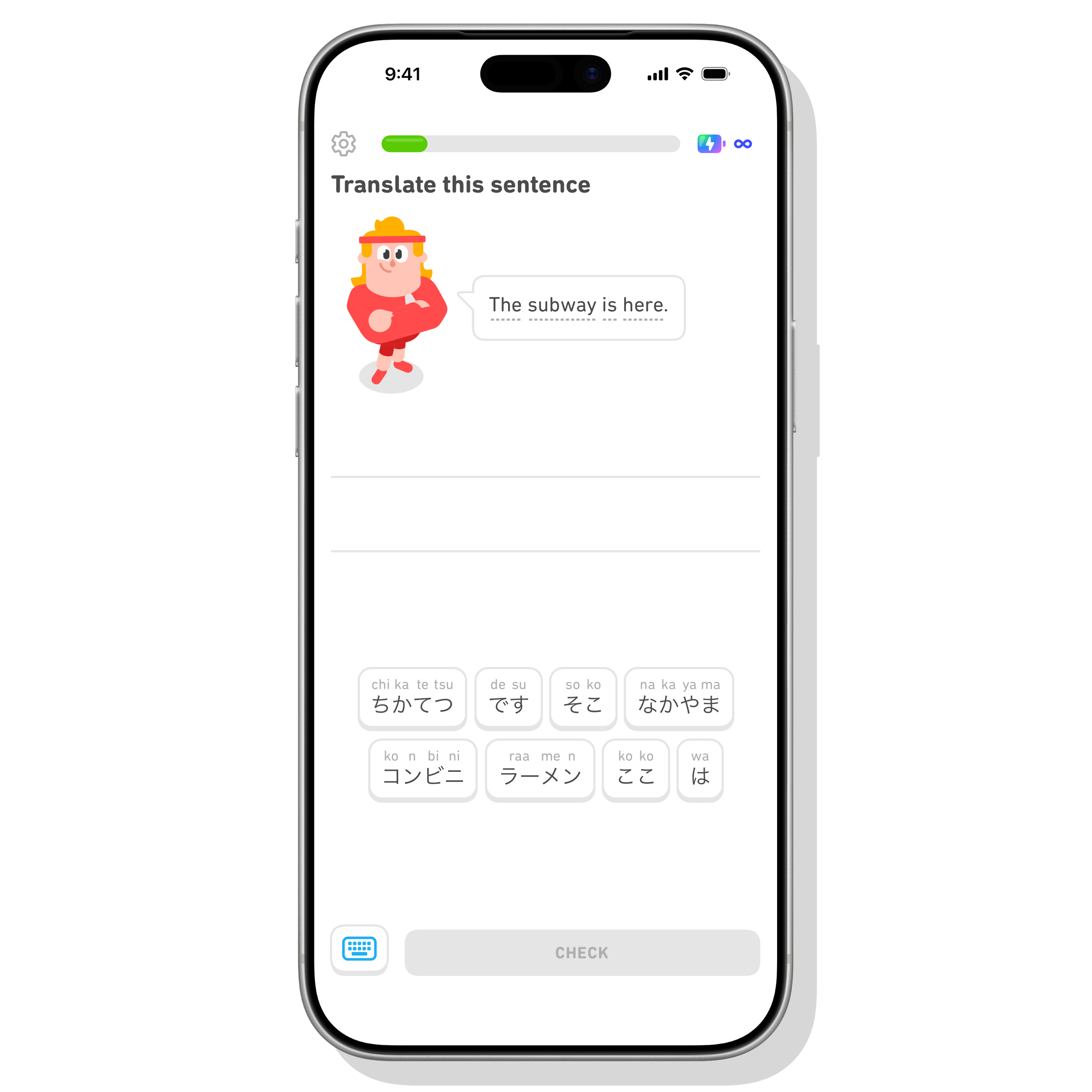
New year, new language?
I’ve always wanted to learn a new language. I’ve also always been terrible at actually sticking with it. I’ll start strong, fall off quickly, forget everything I learned, and eventually abandon it altogether. Rinse, repeat.
Duolingo isn’t new, and it definitely has its critics when it comes to how effective it really is at teaching a language. But here’s the thing. I’ve stuck with it longer than any other language-learning attempt I’ve made so far, and that alone counts for something (right?).
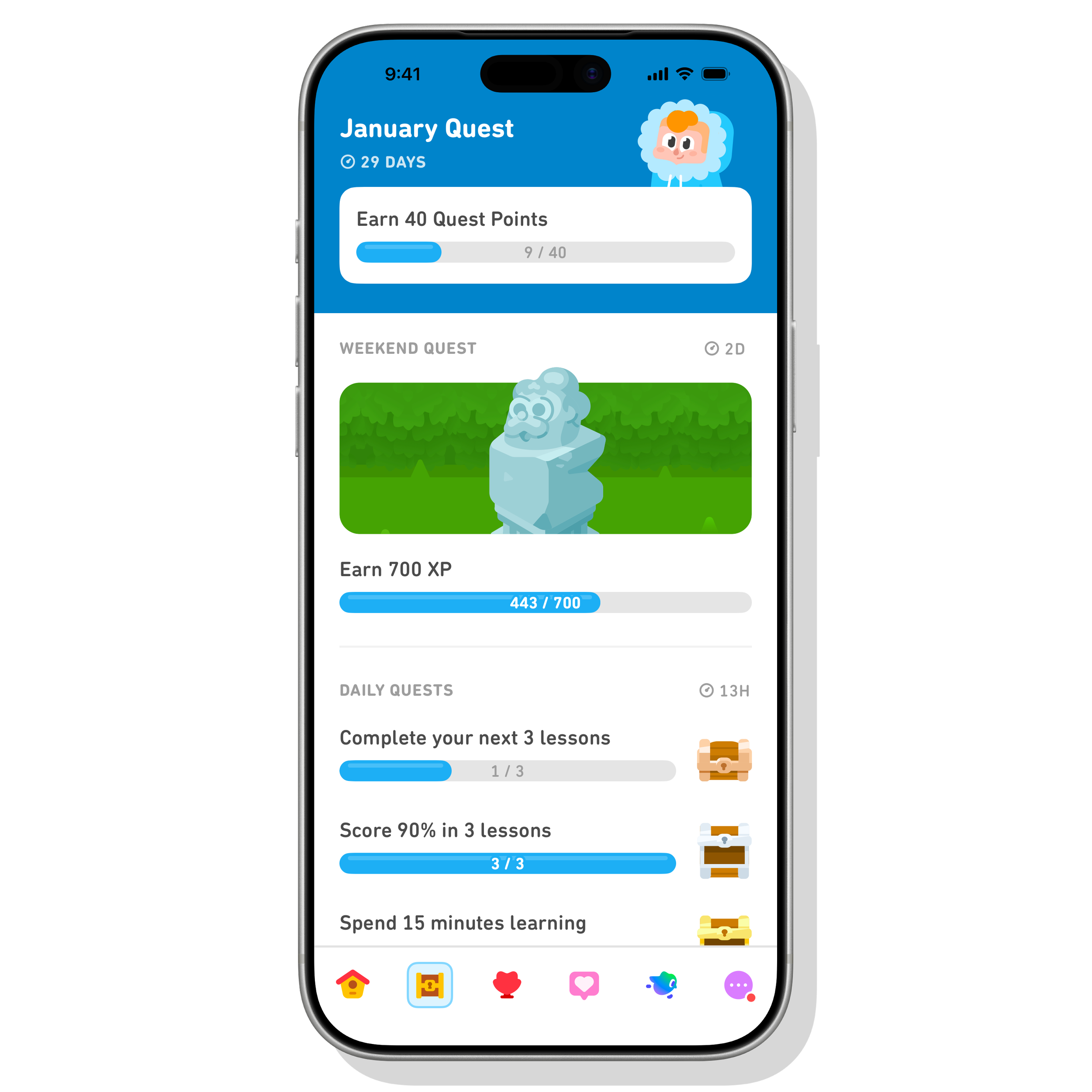
Gamifying the language learning experience has been a potent motivating factor in helping me commit to language learning in the early days.
That's largely in part too how effectively Duolingo has been in gamifying language learning. Lessons tend to be relatively short, 10-15 minutes on average, it leverages a clever streak mechanic to keep you doing lessons at the risk of breaking your run, and offers incentives like experience points and ways to double that experience to keep you engaged. Add double XP boosts, leaderboards, and even those dumb little home screen widgets, and suddenly you’re doing lessons more often than you expected.
I’m under no illusion that Duolingo alone will make me fluent. It won’t. But my hope is that it keeps me engaged long enough to build a foundation, spark some confidence, and make me want to actually use the language while travelling. From there, I can layer in other learning methods without feeling overwhelmed right out of the gate.
Lastly, I've also started doing their maths courses, because I found that as the years have gone by, I've lost the same level of mental math I had a while back. Stuff that used to feel automatic in high school now takes way more effort than it should. The math content has been a surprisingly solid refresher on basic concepts.
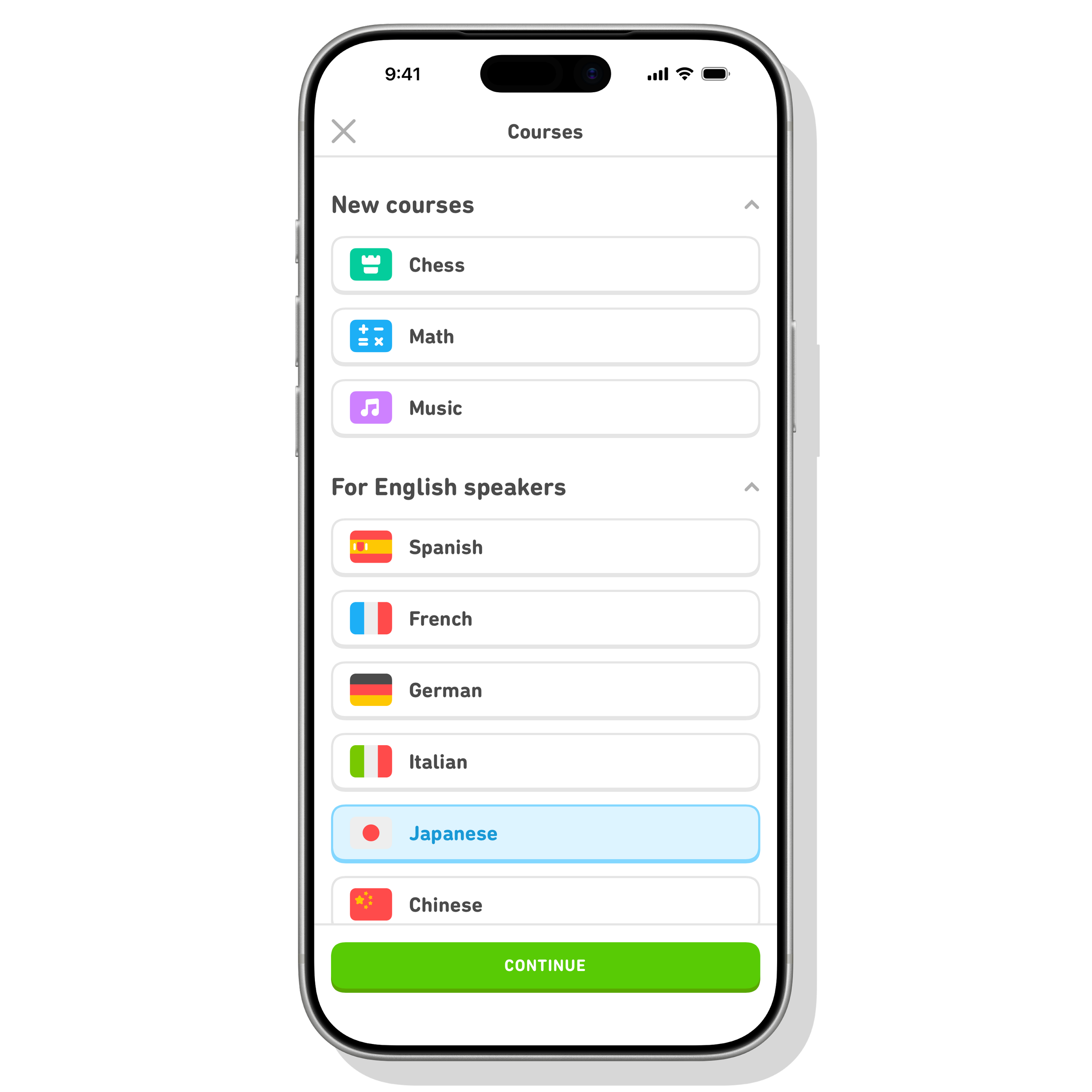
From High Valaryian to something perhaps a smidge more useful, Duolingo has no shortages of languages.
All in all, Duolingo offers courses in over 40 languages (including High Valaryian & Klingon) and also has courses in math, music, and chess. The app is available on most platforms, with a free tier and paid monthly or yearly options too. It's far from perfect; it has some annoying in-app purchases to get gems to extend lesson time, but it's fun enough to get the ball rolling on learning something new.
Journal
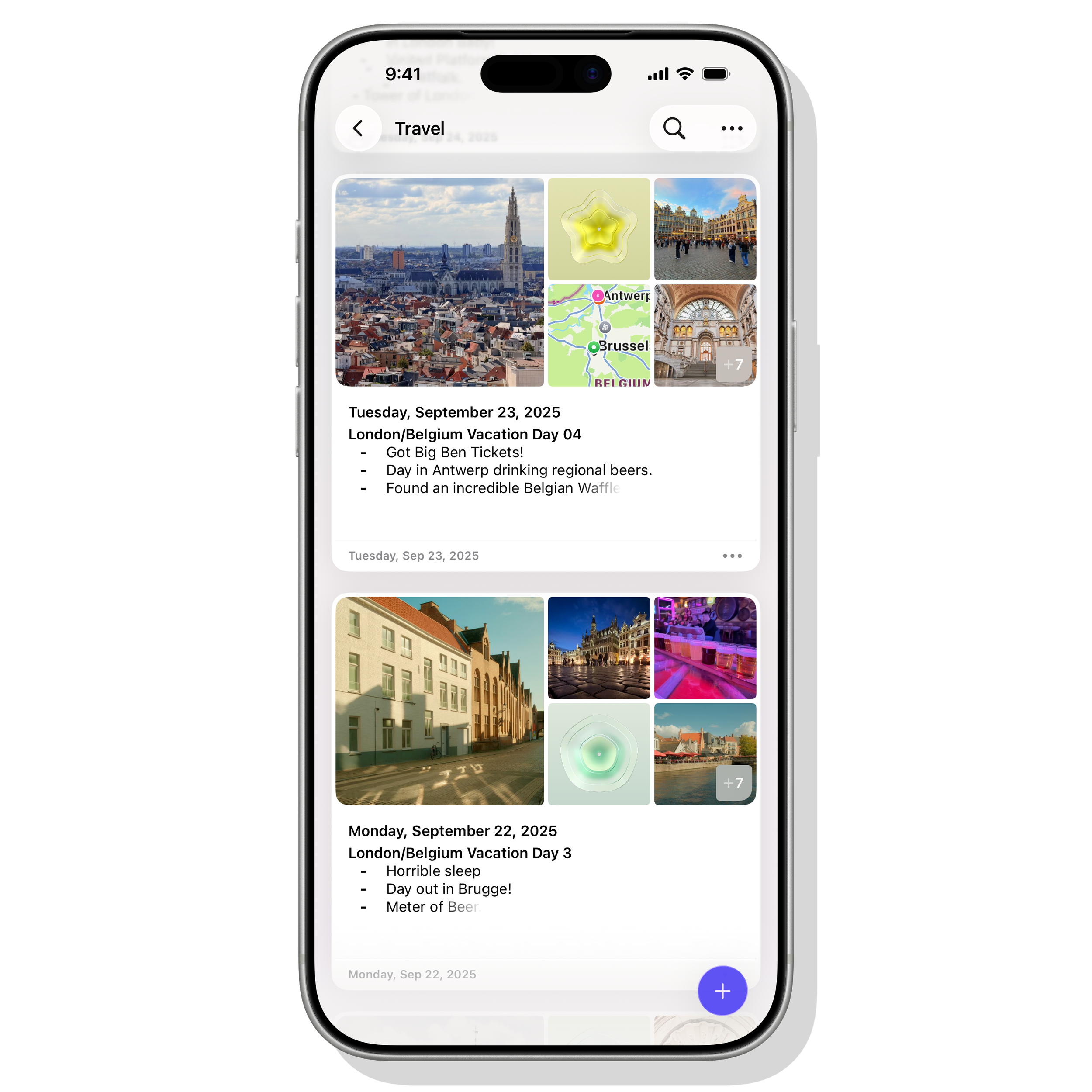
The Journal app from Apple is a great app to get into that journal habit everyone’s been harassing you to start.
With iOS 26, Apple expanded the Journal app beyond the iPhone to the iPad and Mac. It’s kind of the perfect journaling app for people who don’t really think of themselves as “journal people.” And I mean that in the best way.
What I mean is that often the idea of setting aside a dedicated amount of time per day or week to write, whether it's about how you're feeling, what's going on, or what you've been doing, doesn't easily fit into people's day. Apple’s Journal app lowers that barrier by handling much of the heavy lifting for you. It surfaces photos, locations, and events from your life and gently nudges you with prompts that make it easier to start writing without staring at a blank page.
Tap into a new entry and hit the smart suggestions icon, the little sparkly pencil, and suddenly you’ve got options. Photos from Christmas with family. Shots from a recent sporting event. A walk you took last weekend. Pick one, and Journal automatically builds an entry with the photos, locations, and context already in place. From there, you just add whatever thoughts, text, or extra media you want. That’s it.
Inside the Journal app, you can also add voice memos, sketches (iPad and iPhone only), record your mood (iPad and iPhone only), add videos, and add additional locations. You can also add content like podcasts and music you’ve been listening to, along with activities and workouts you’ve been doing.
For over a decade, I’ve been, and will continue to be, a Day One user. I’ve logged over 6,700 entries there, filled with photos, stories, and moments from my life. It’s probably the most meaningful thing I’ve ever created, a personal archive of memories and lessons over time.
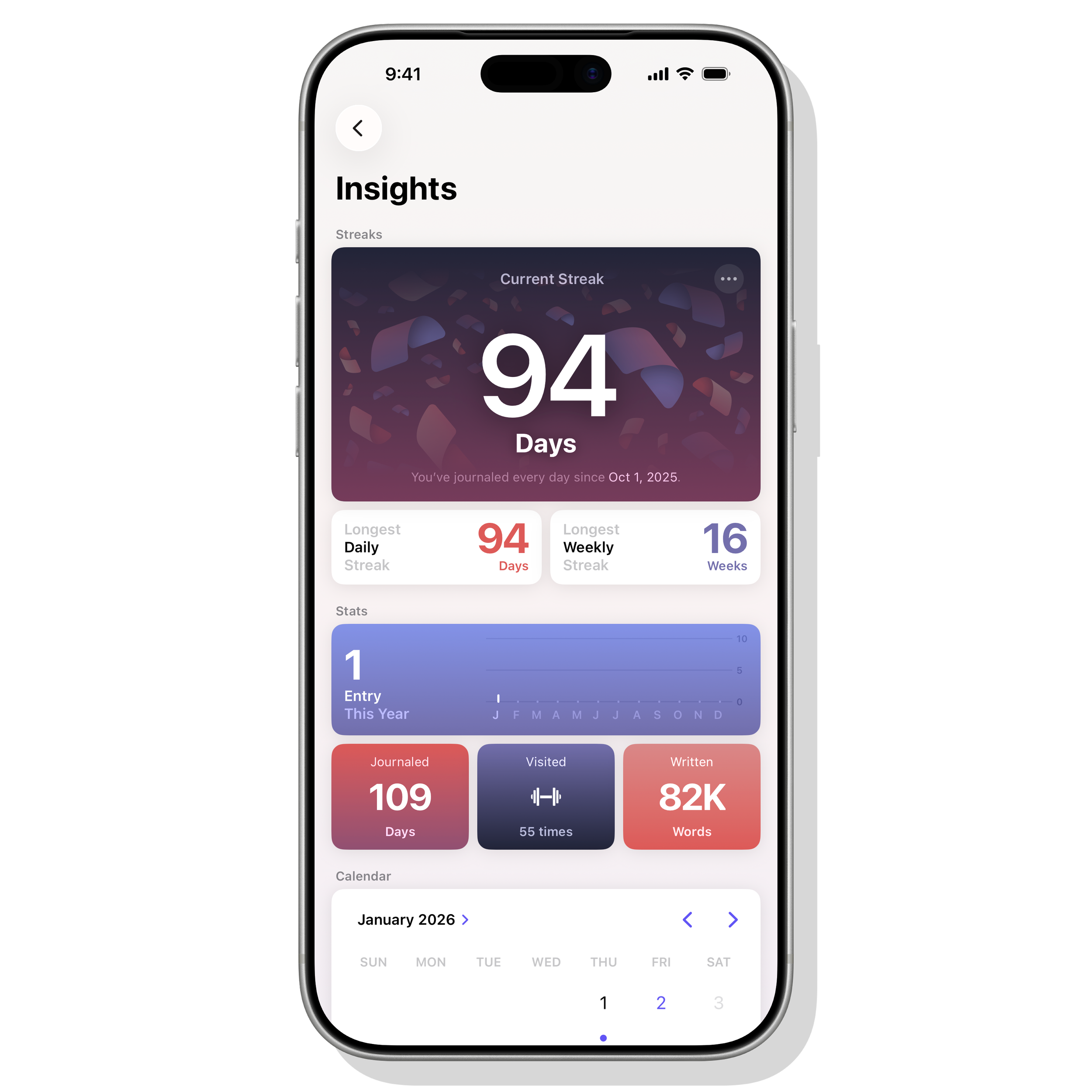
Insights gives you details like active streaks, words written, and most frequently visited places.
But if you’re just getting started with journaling, or if you’ve bounced off it in the past, Apple’s Journal app is a genuinely great place to begin. It’s simple, low-friction, and quietly encouraging. Give it a couple of honest weeks. You might be surprised how easily the habit forms when the app meets you halfway.