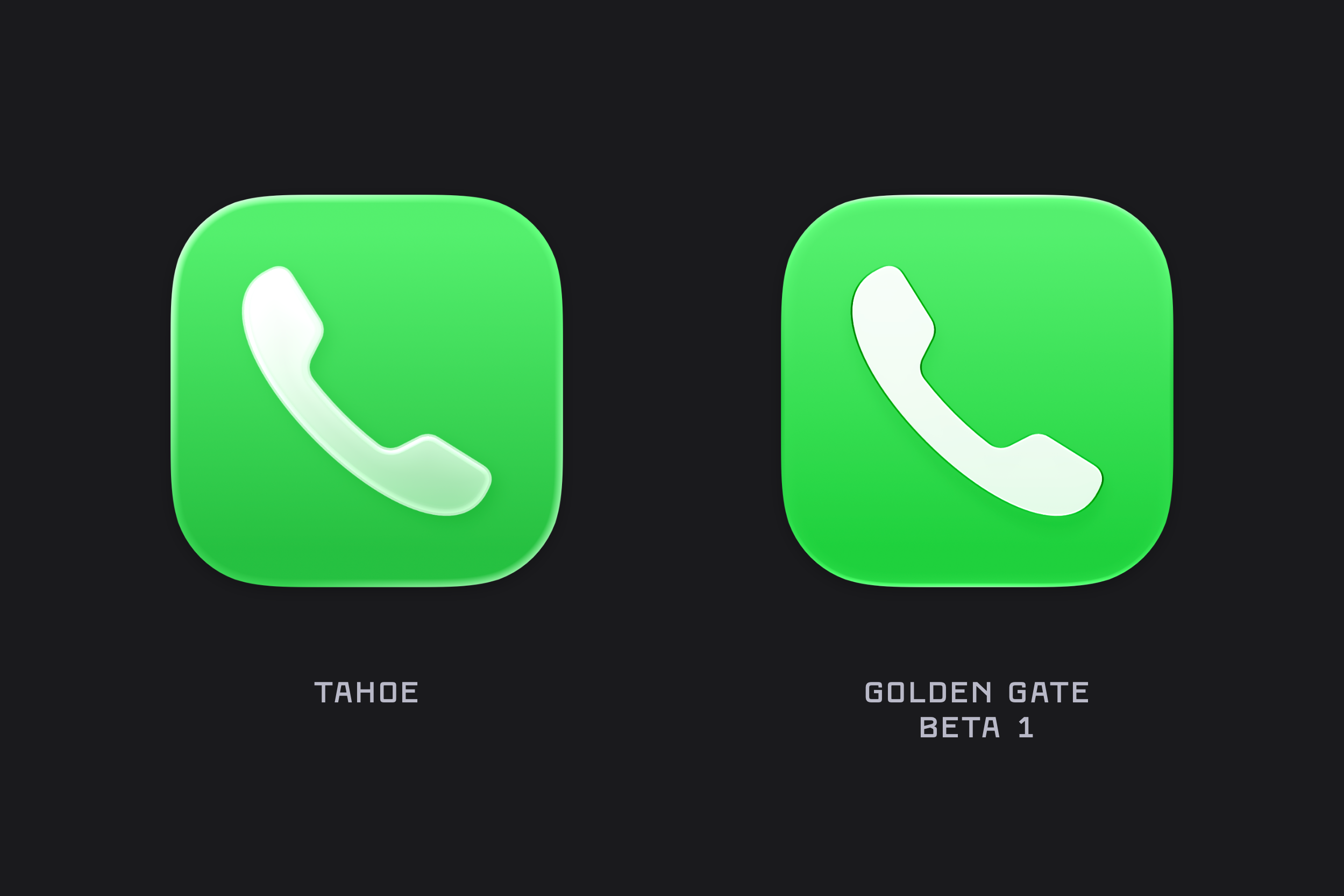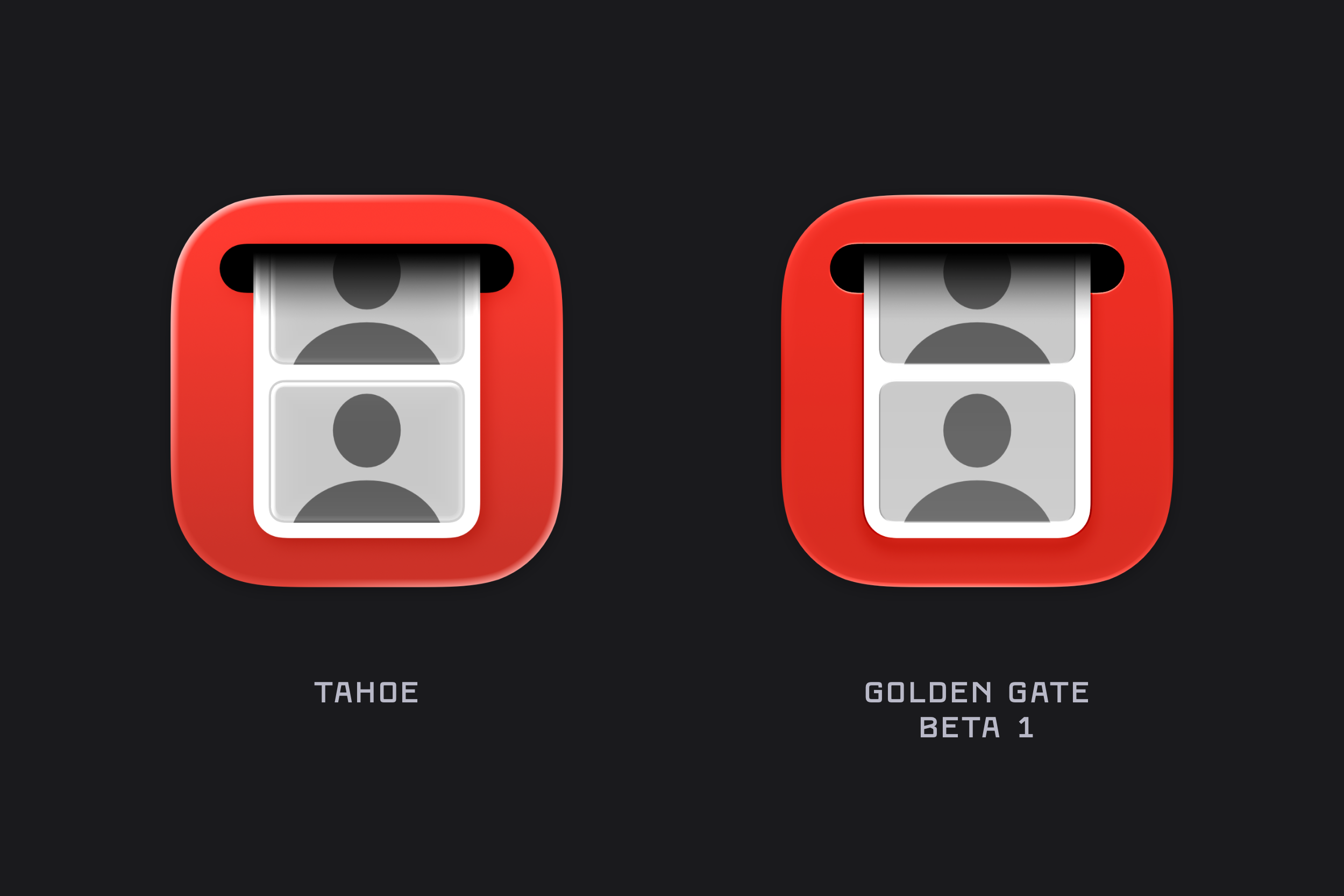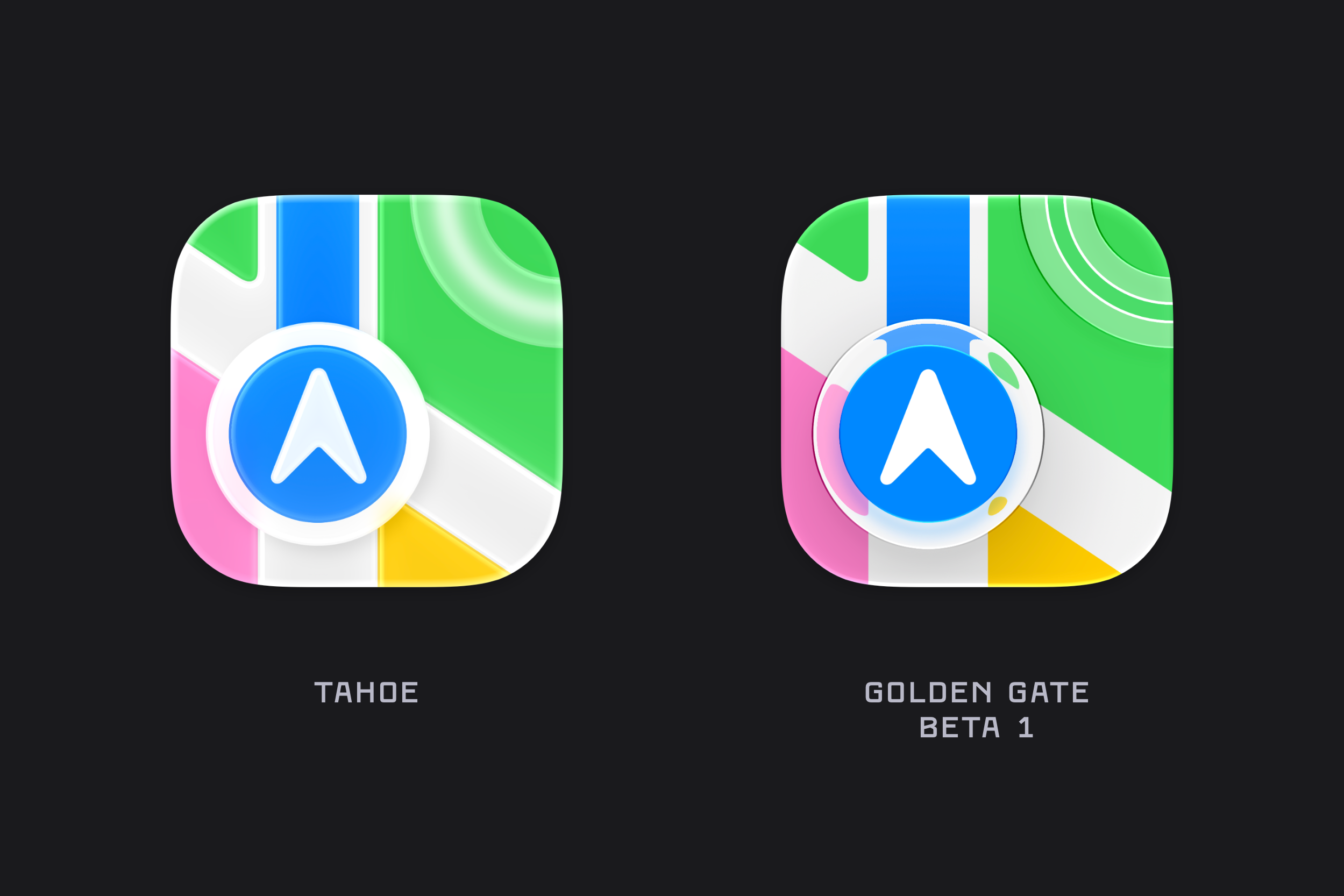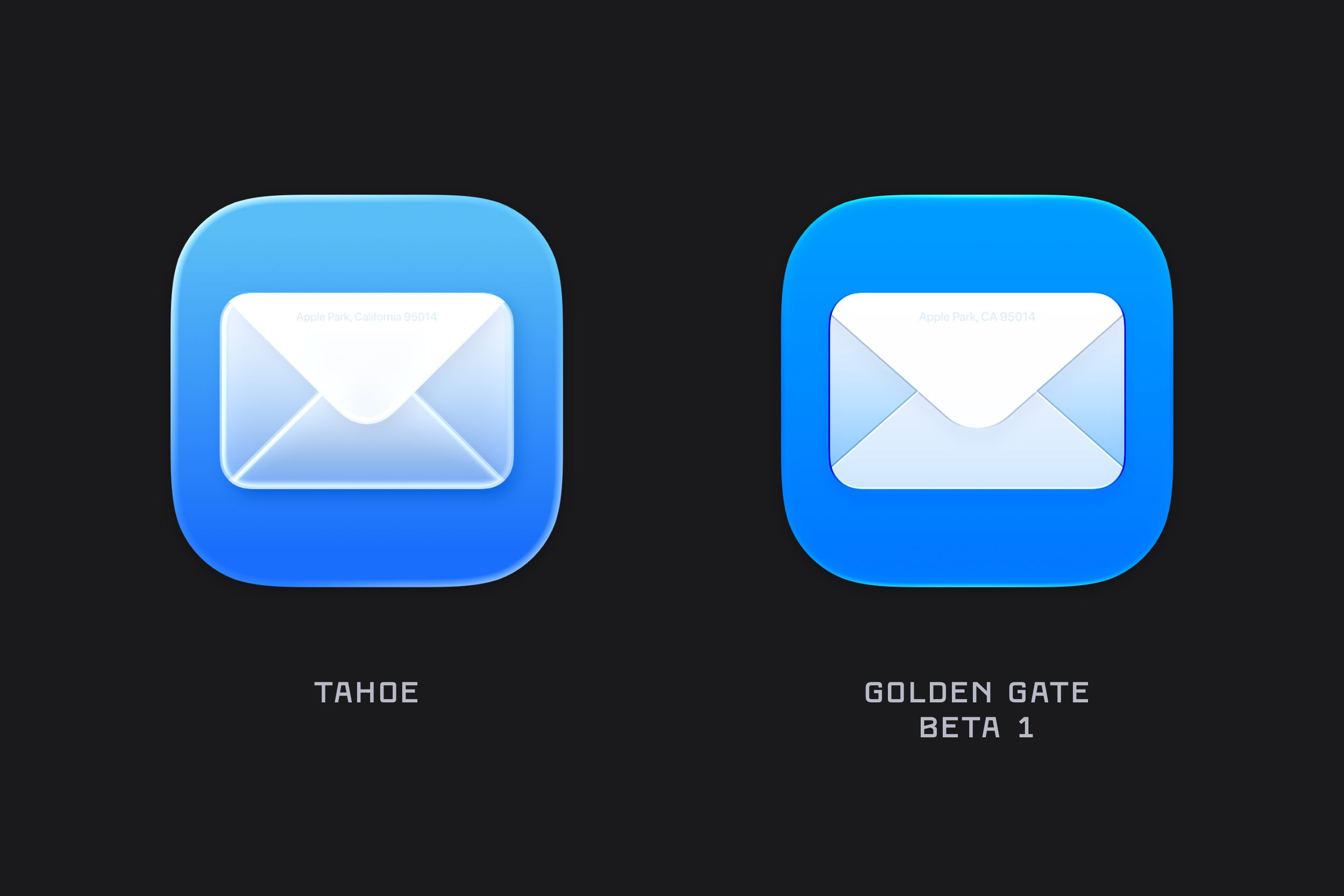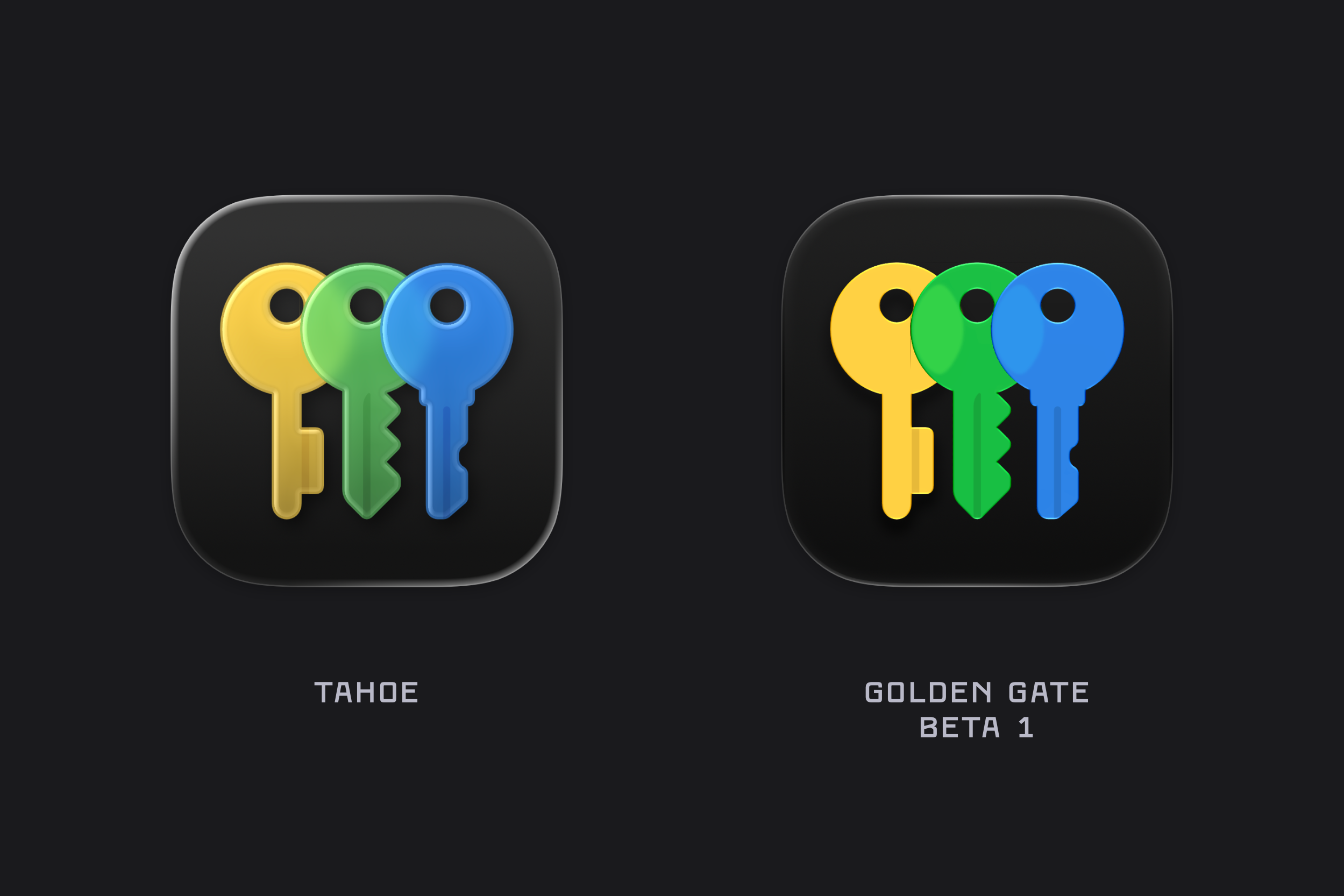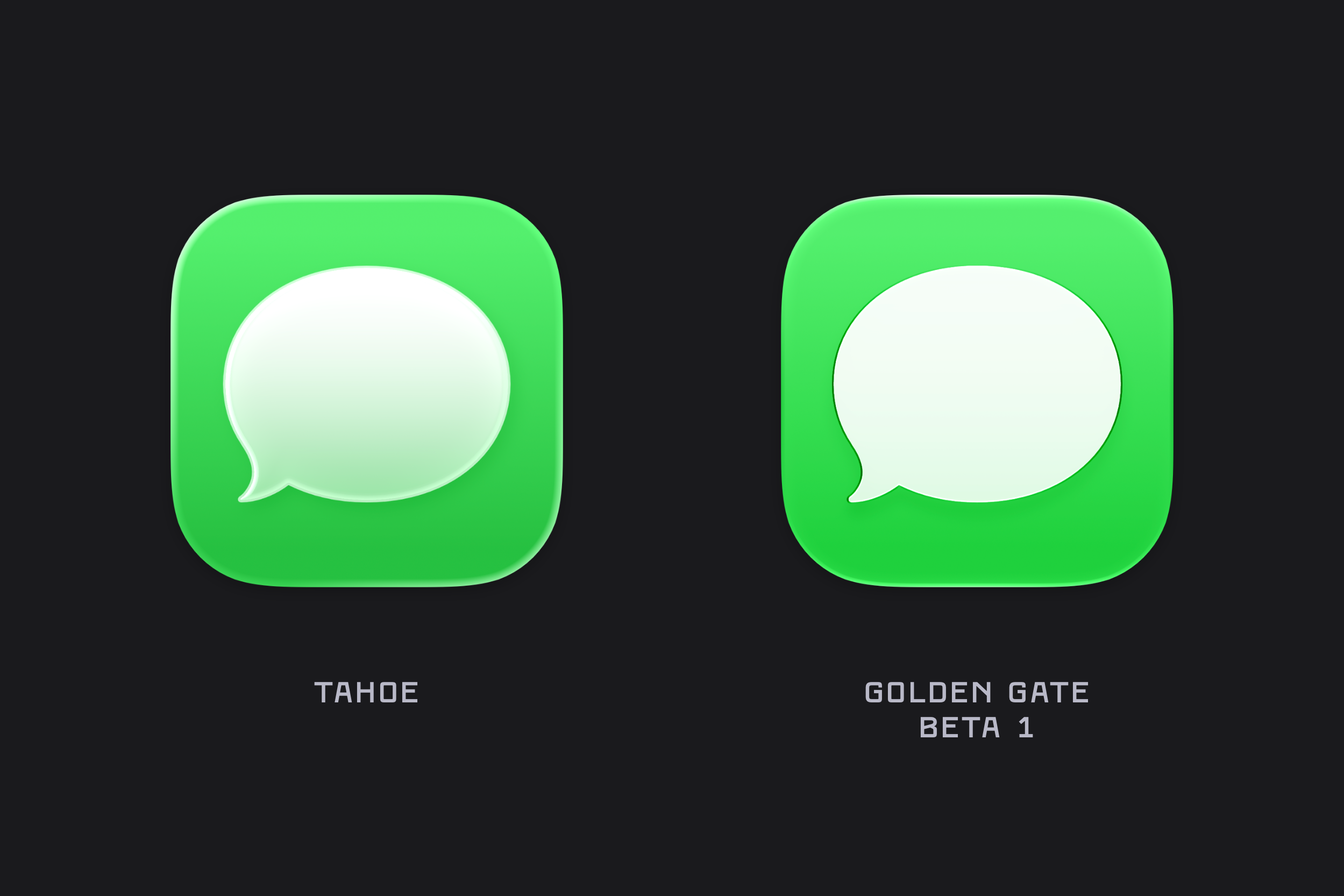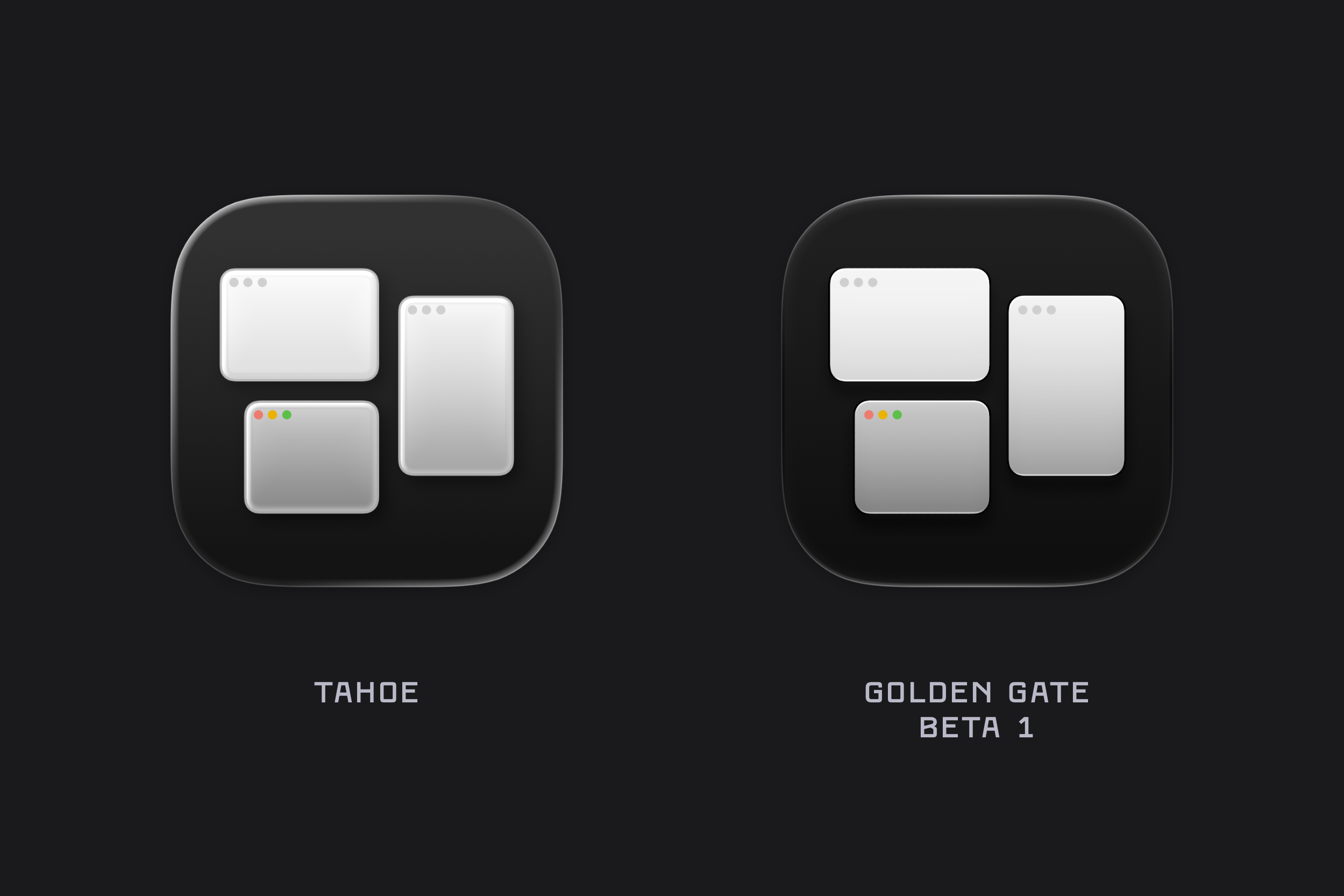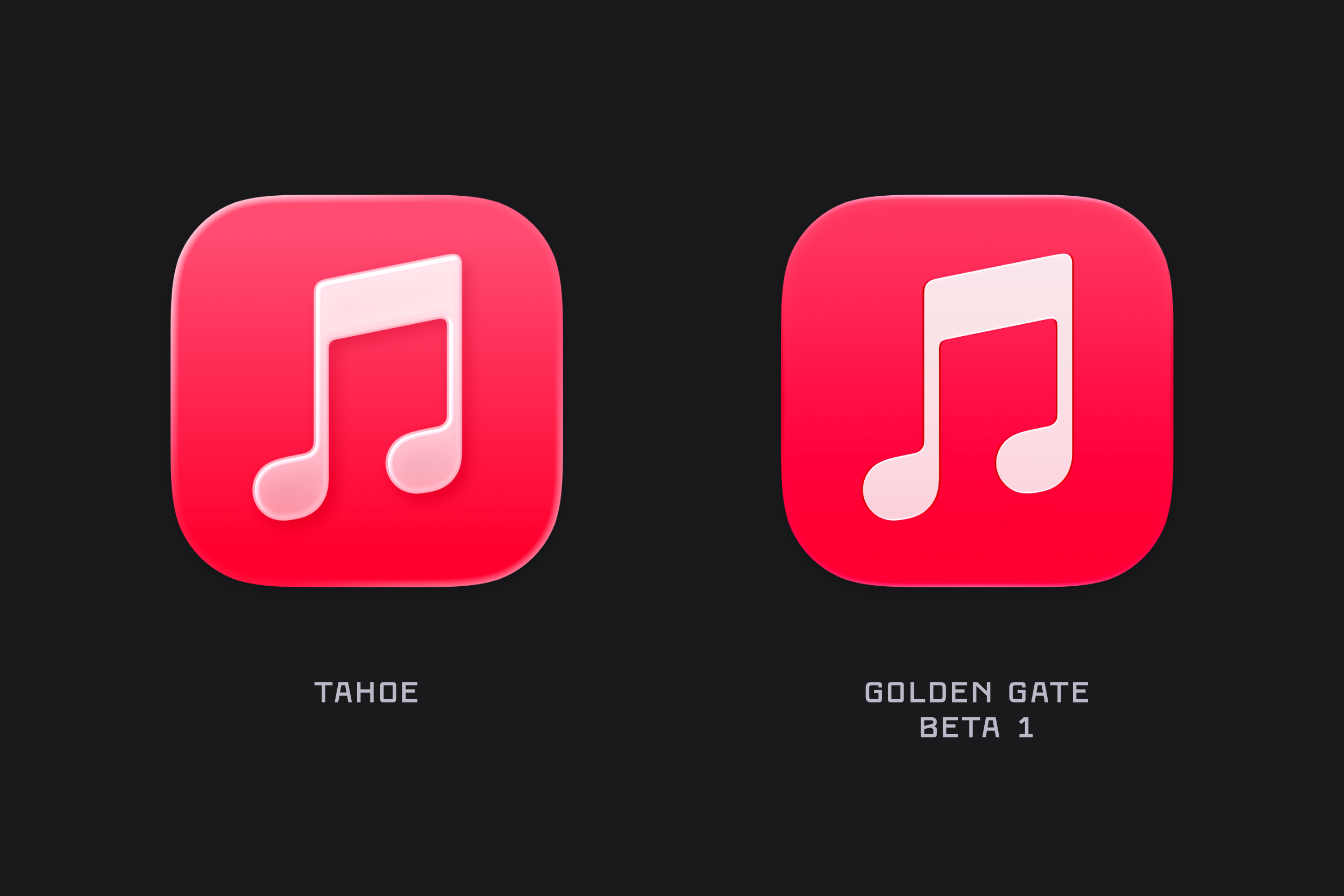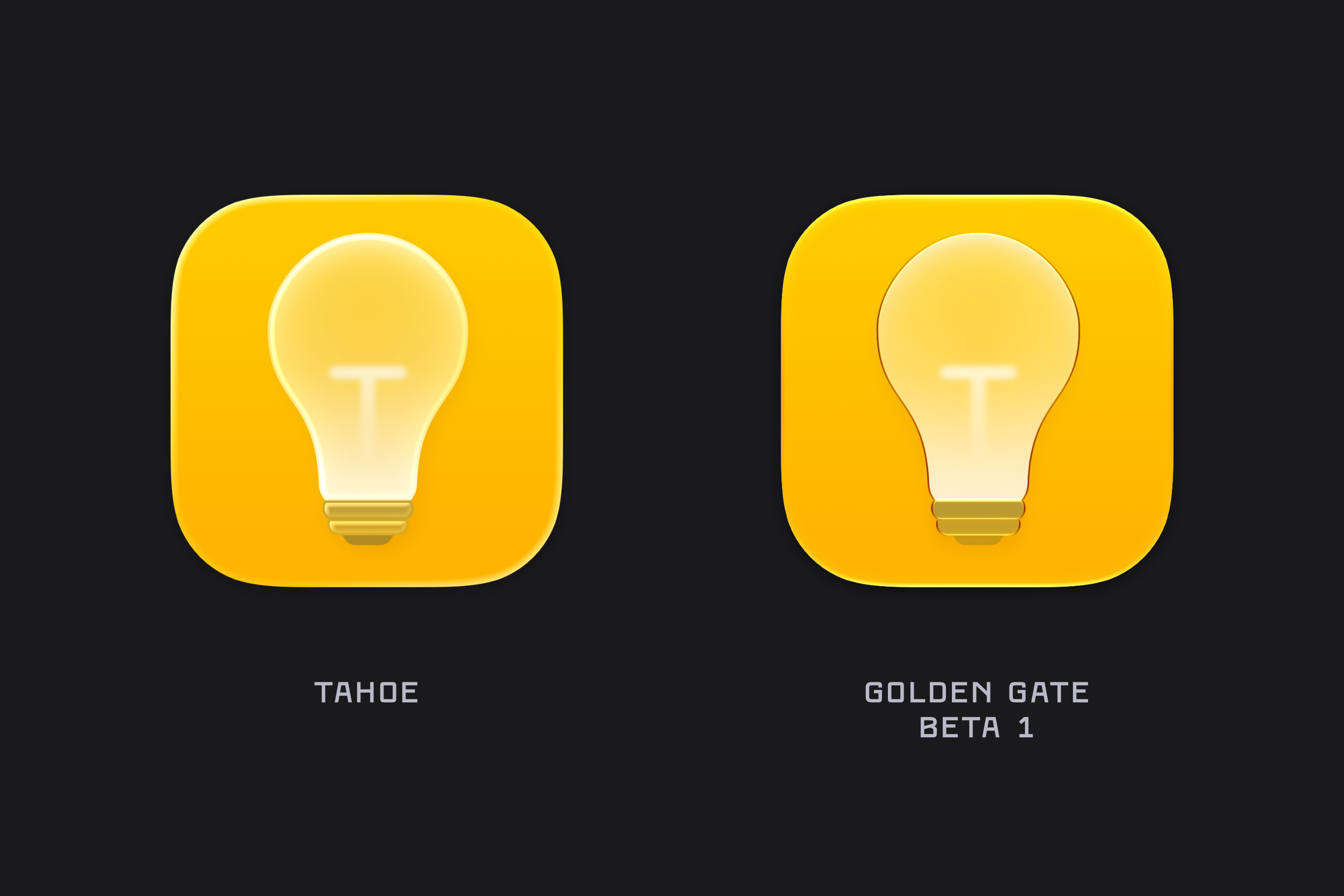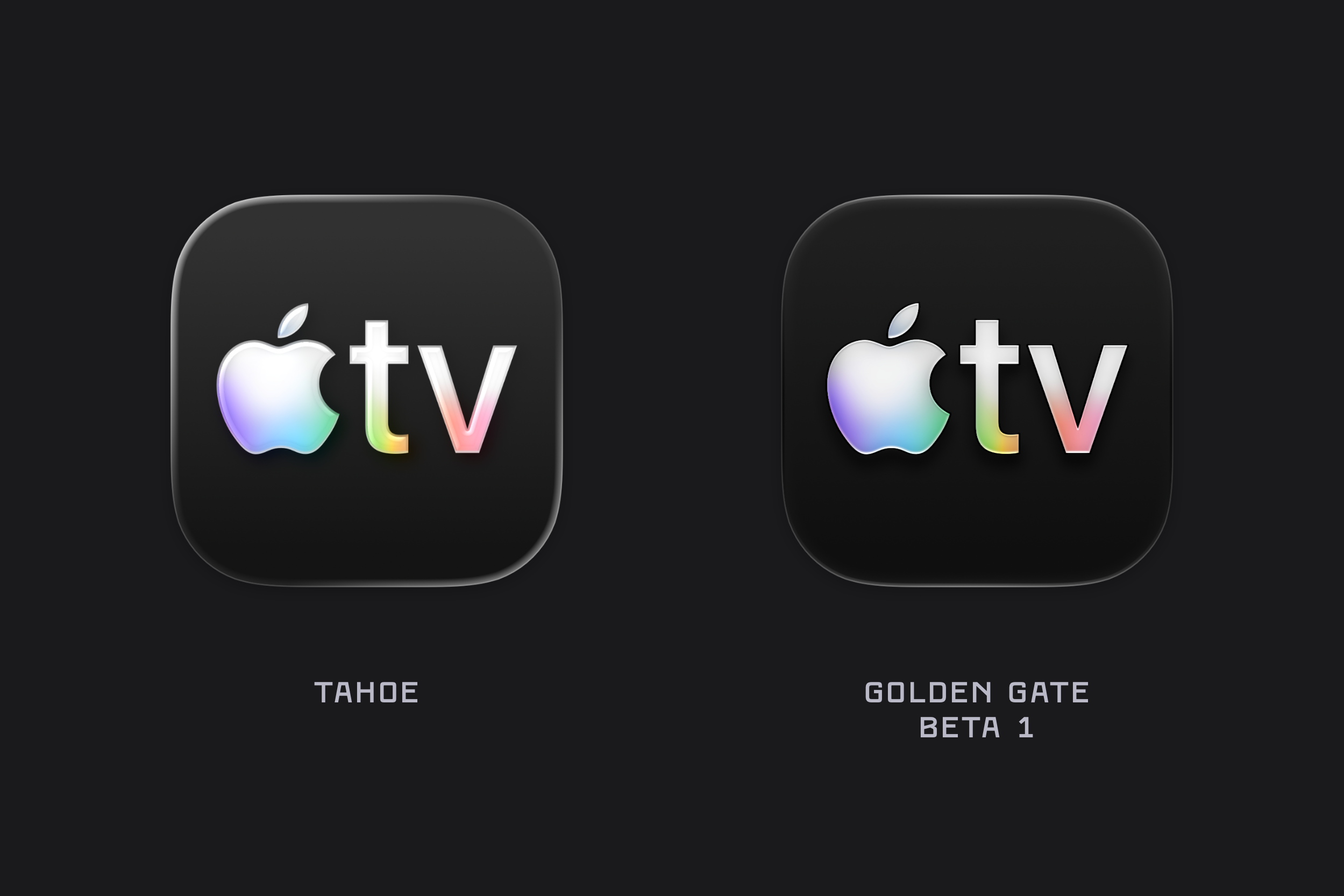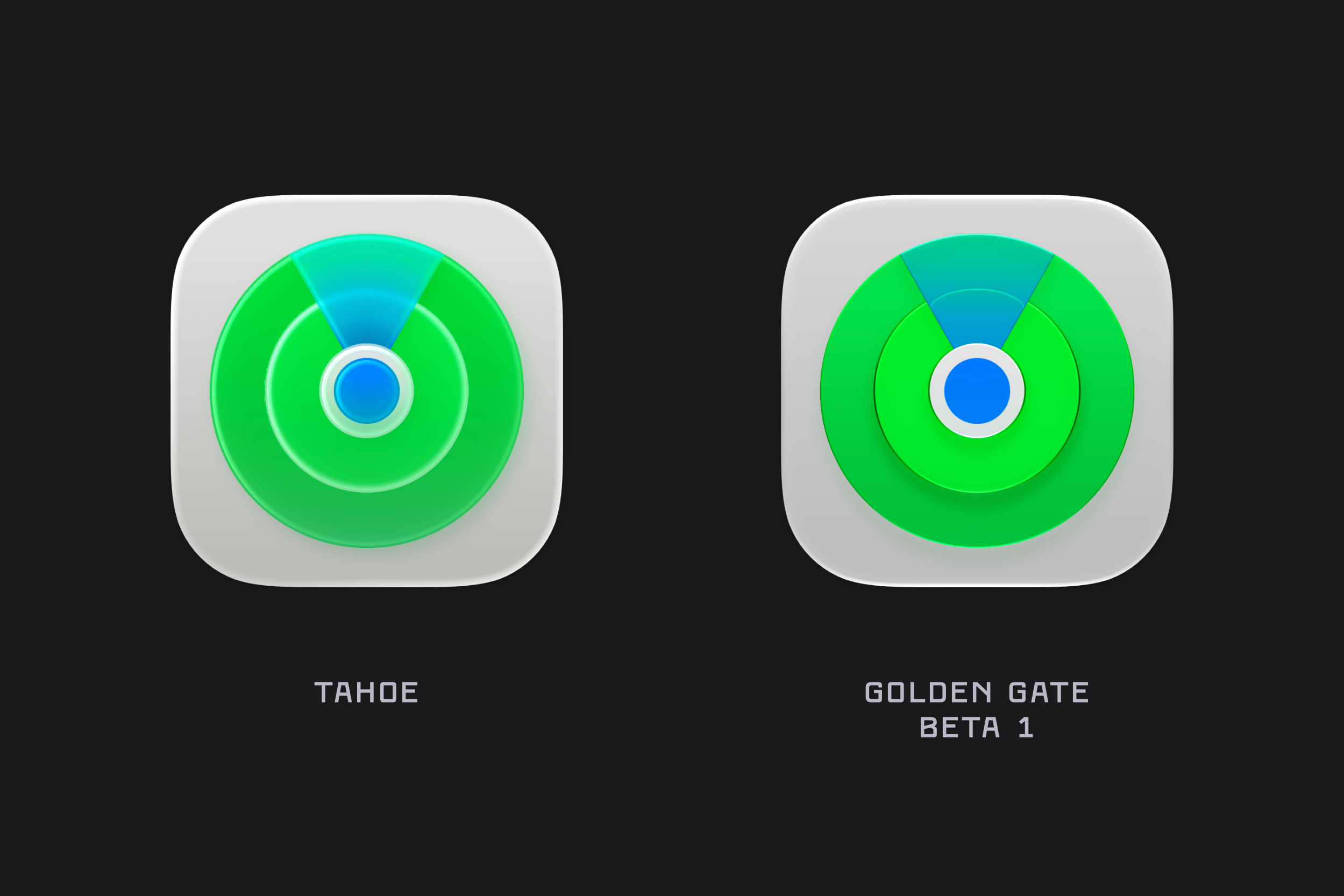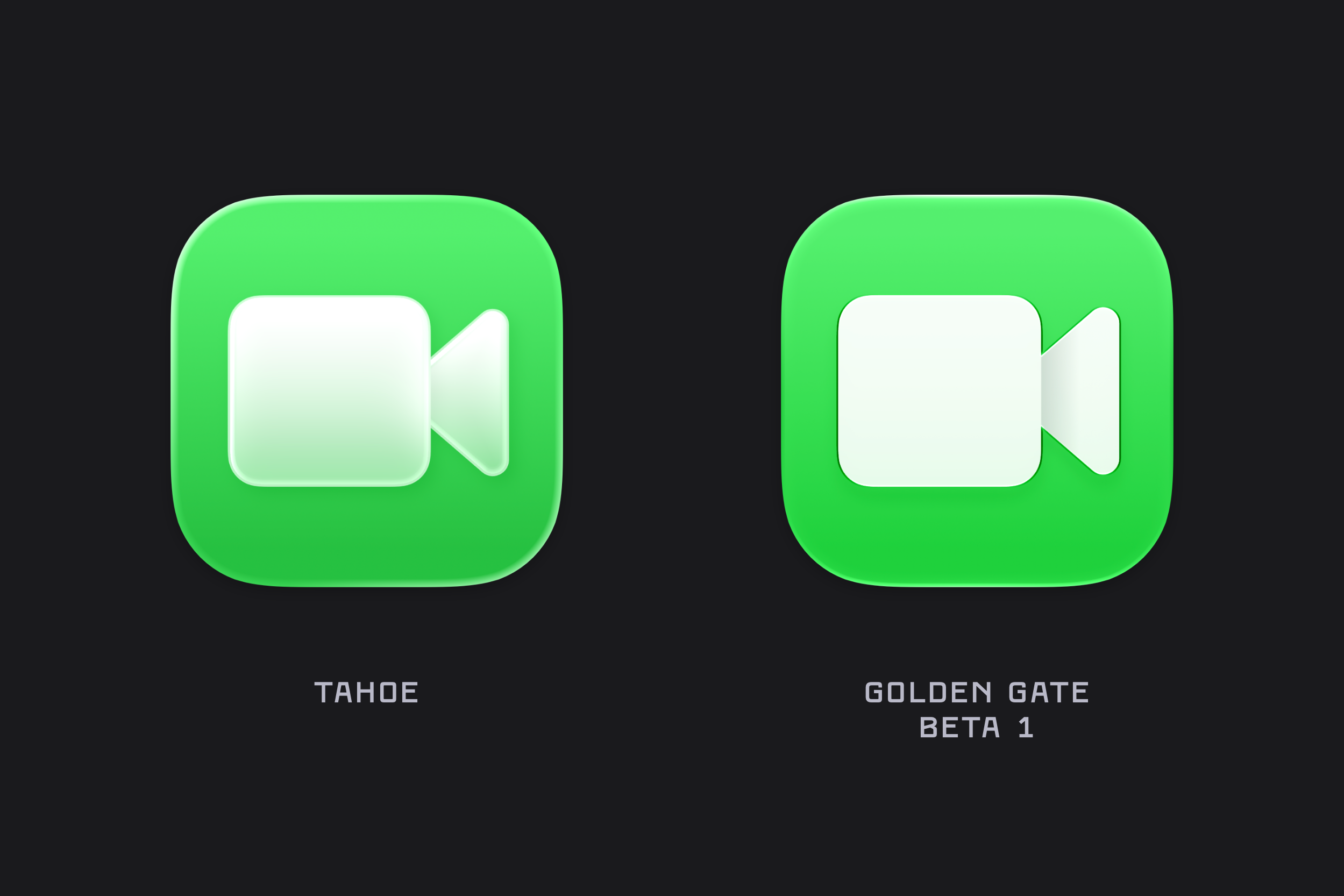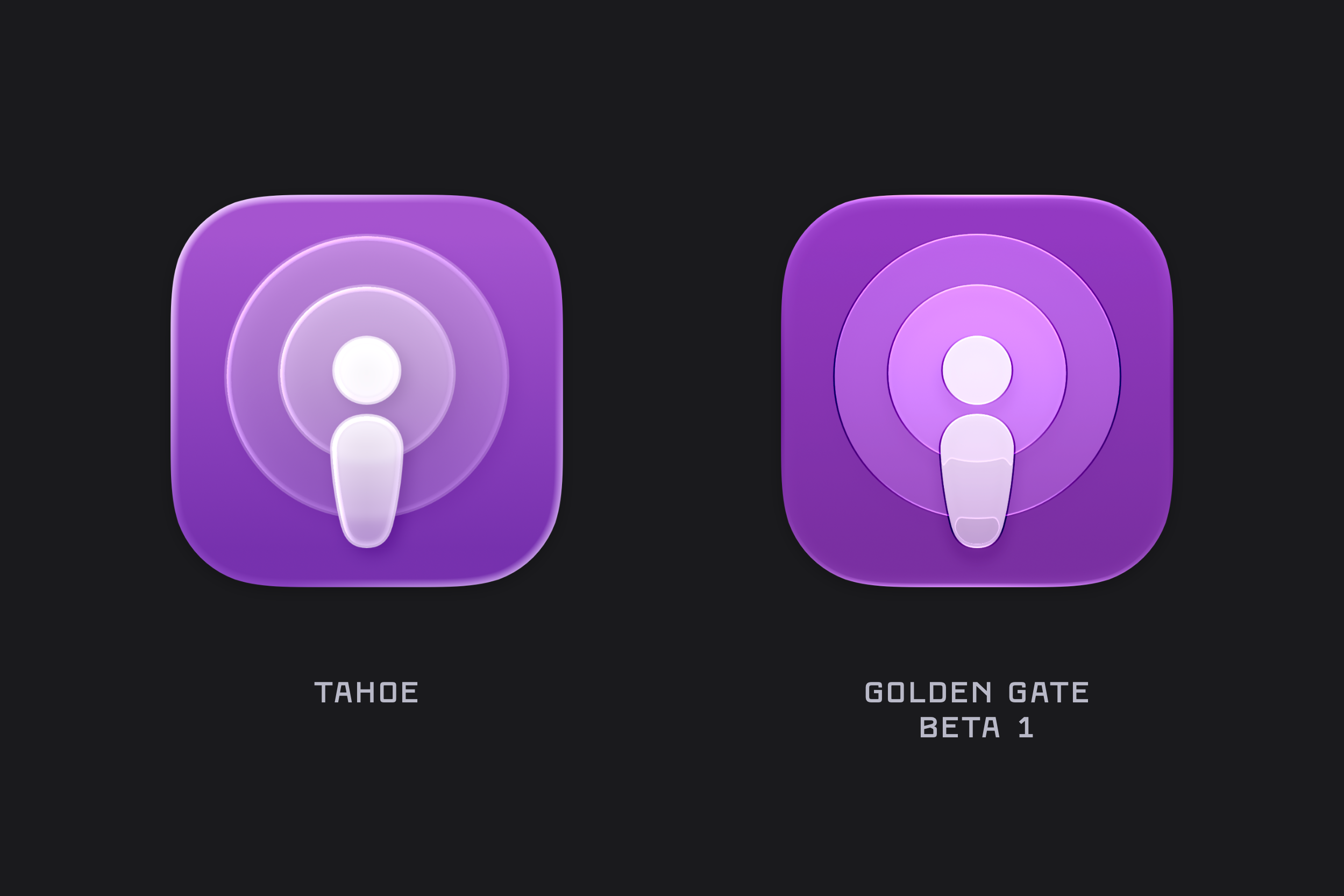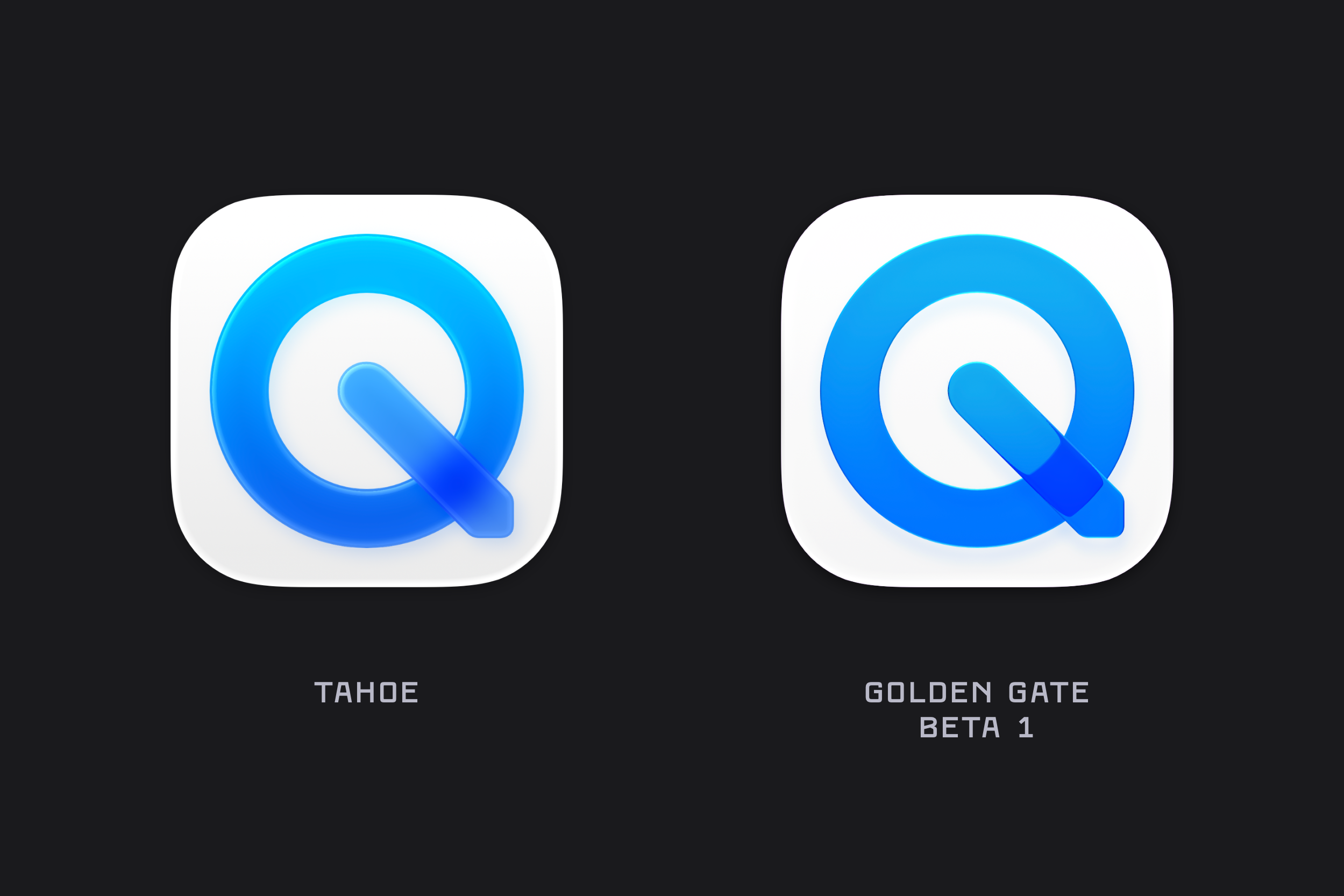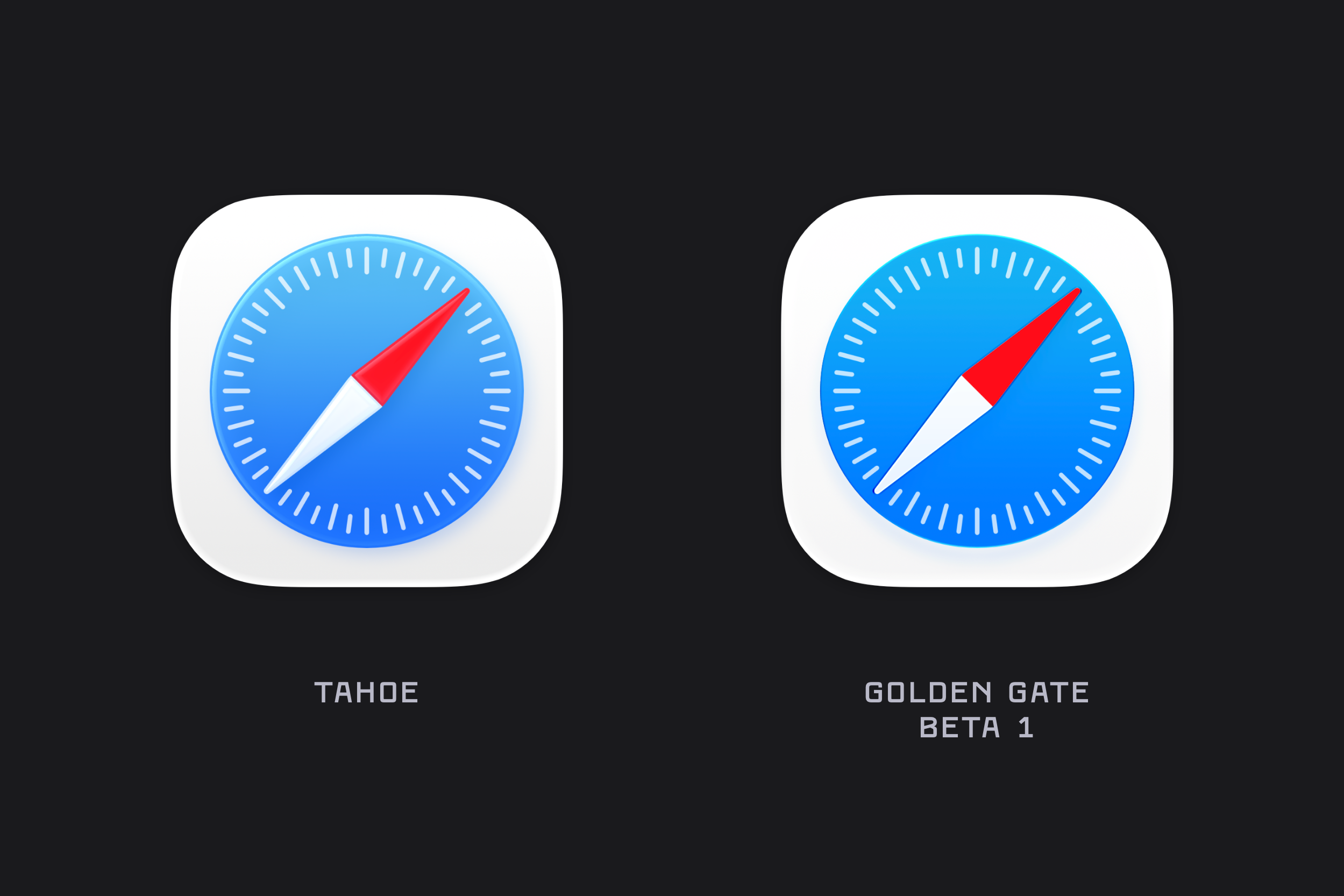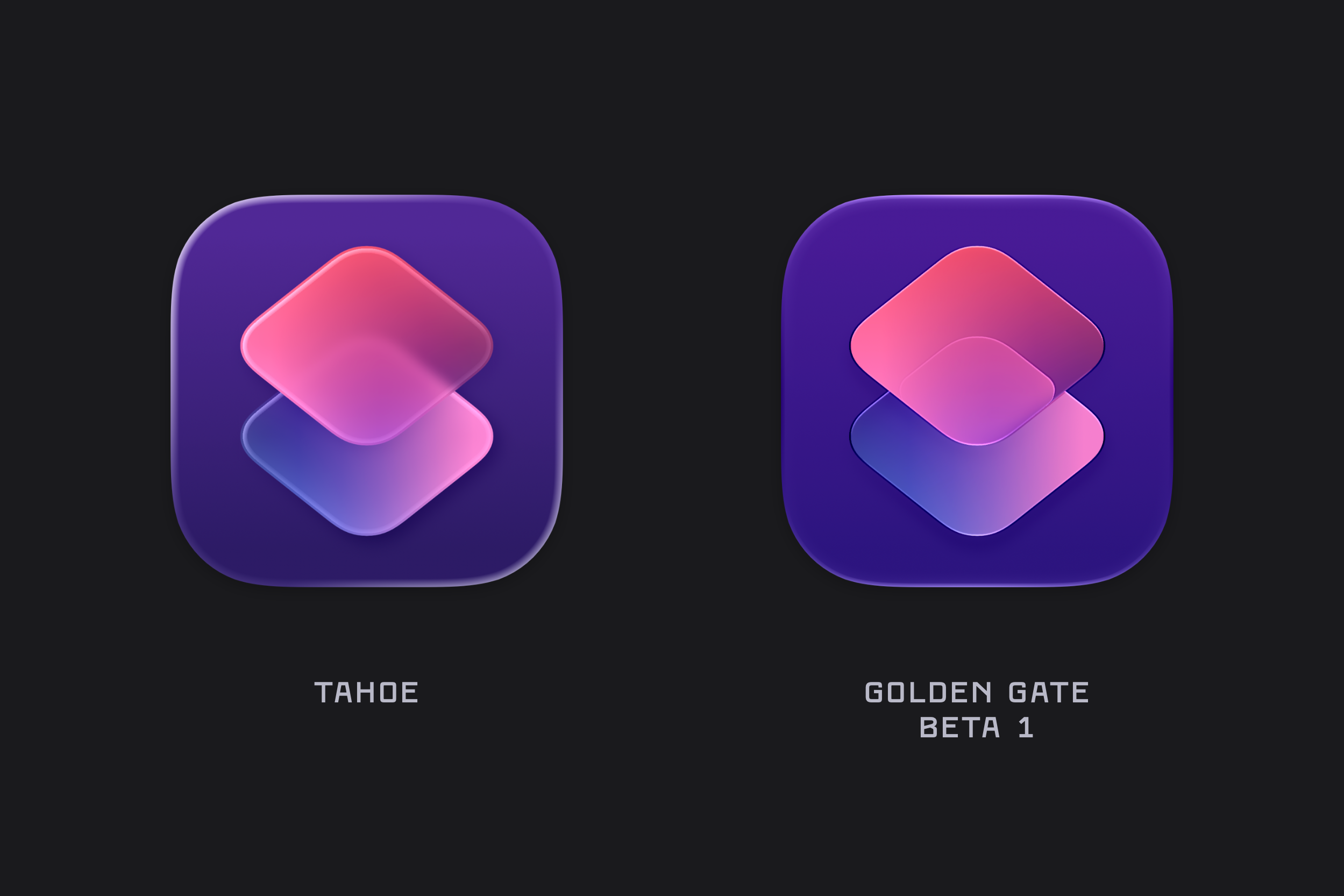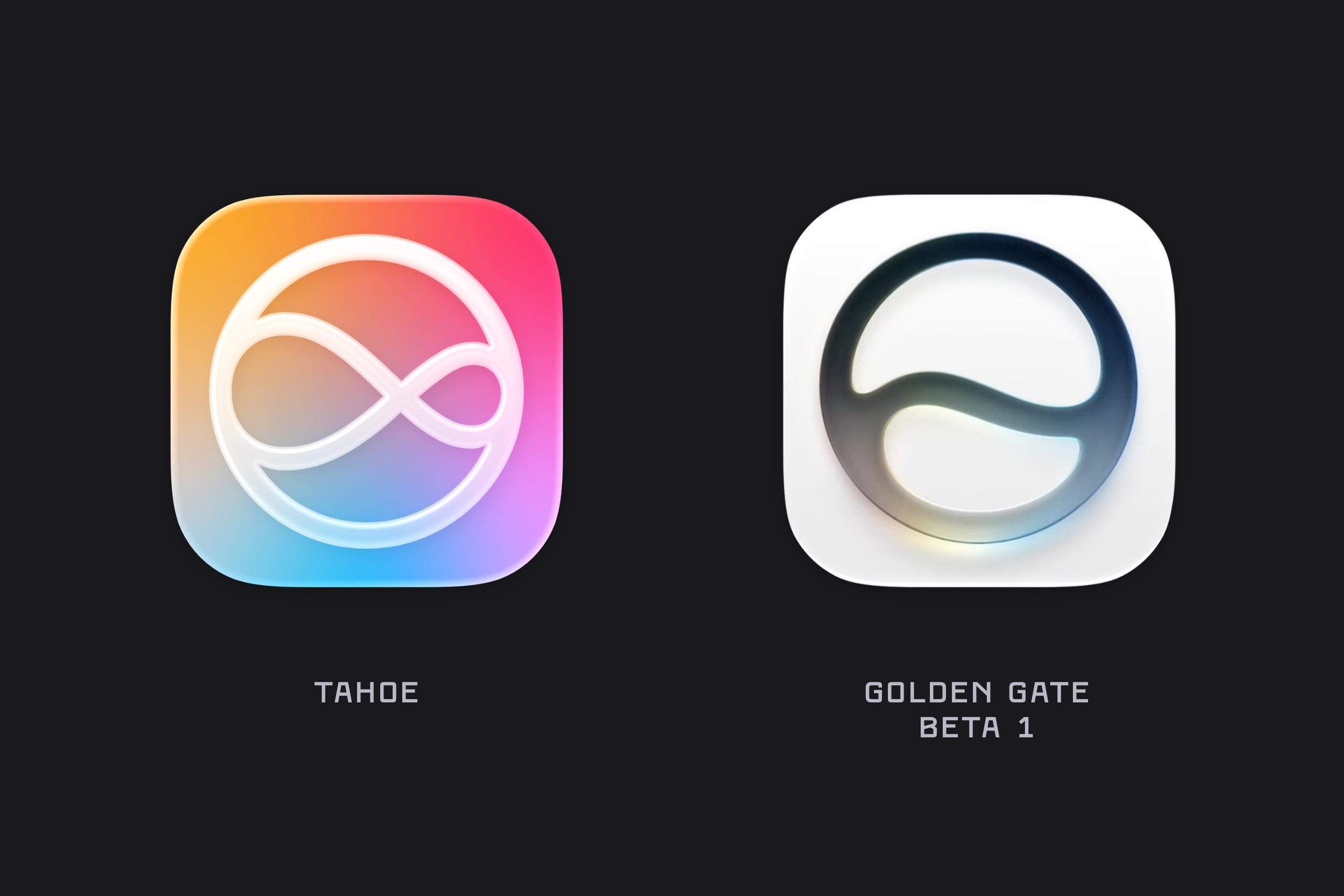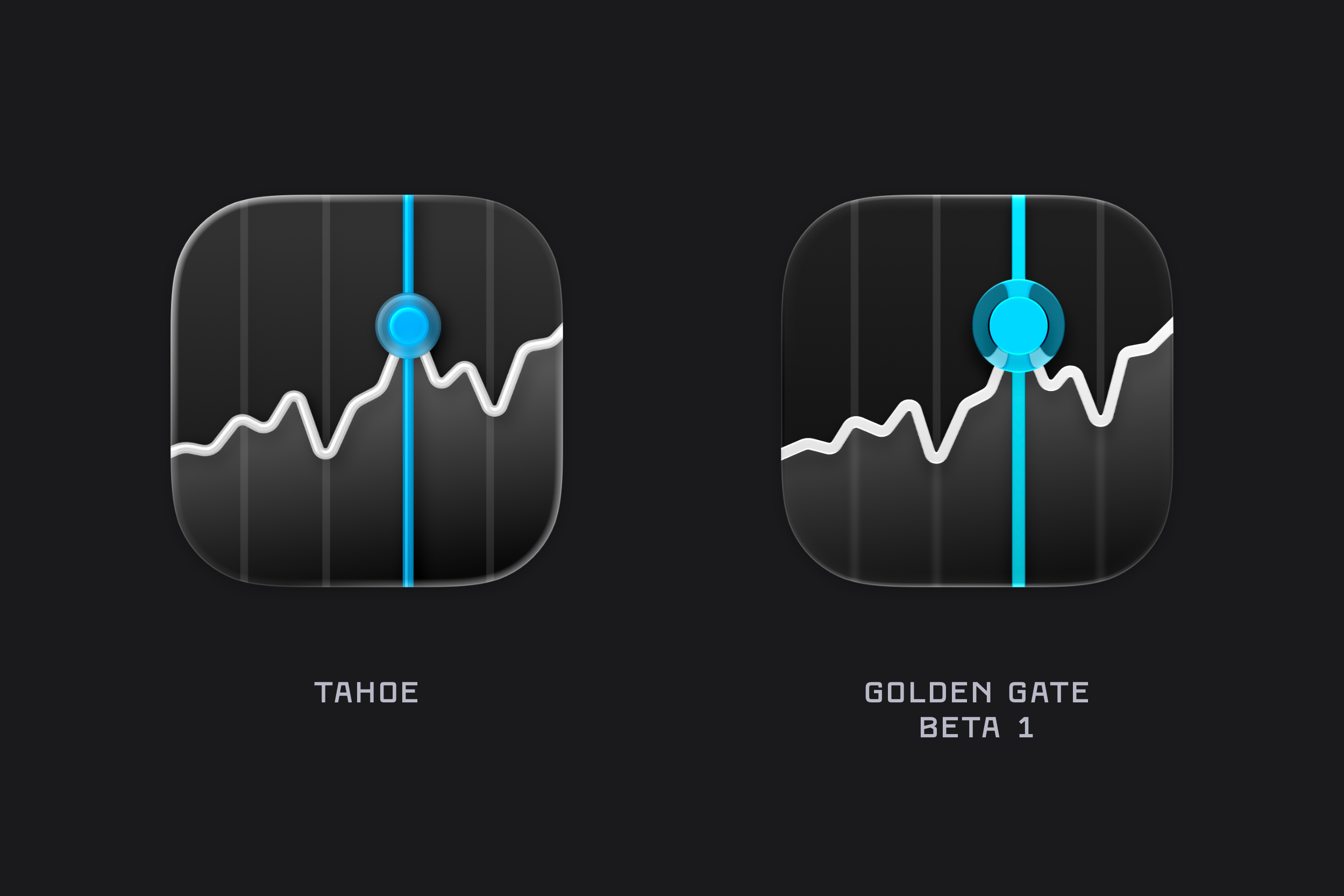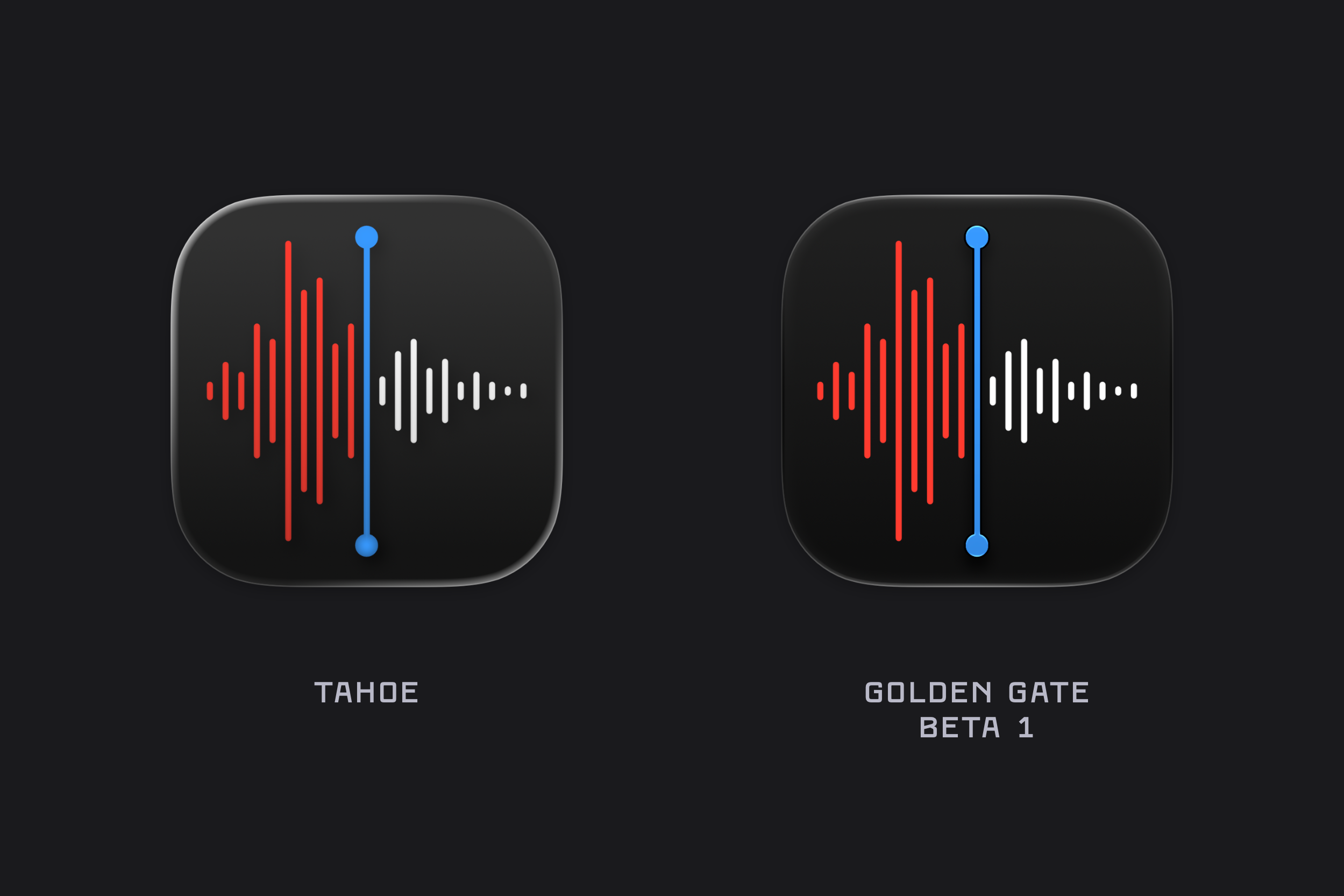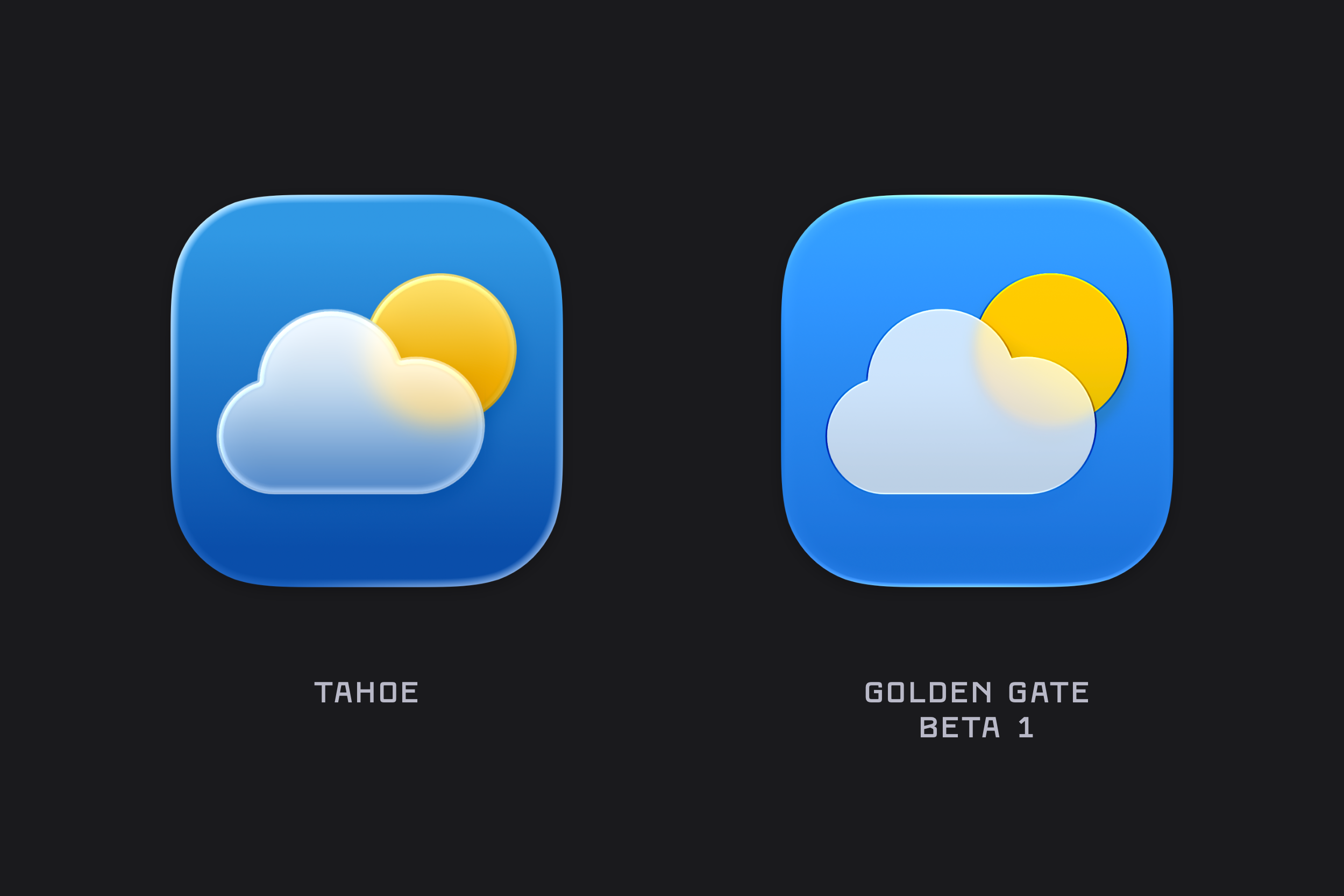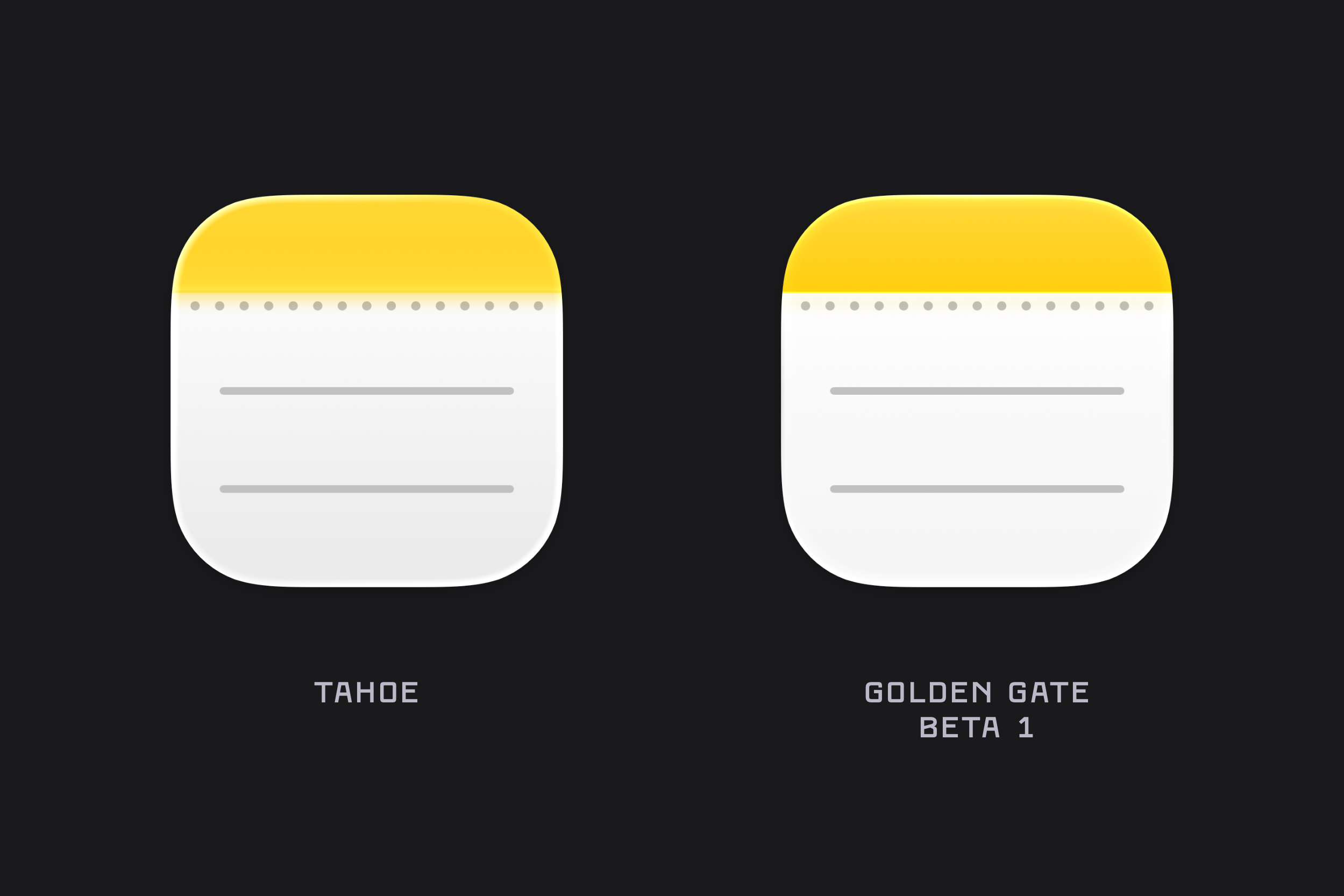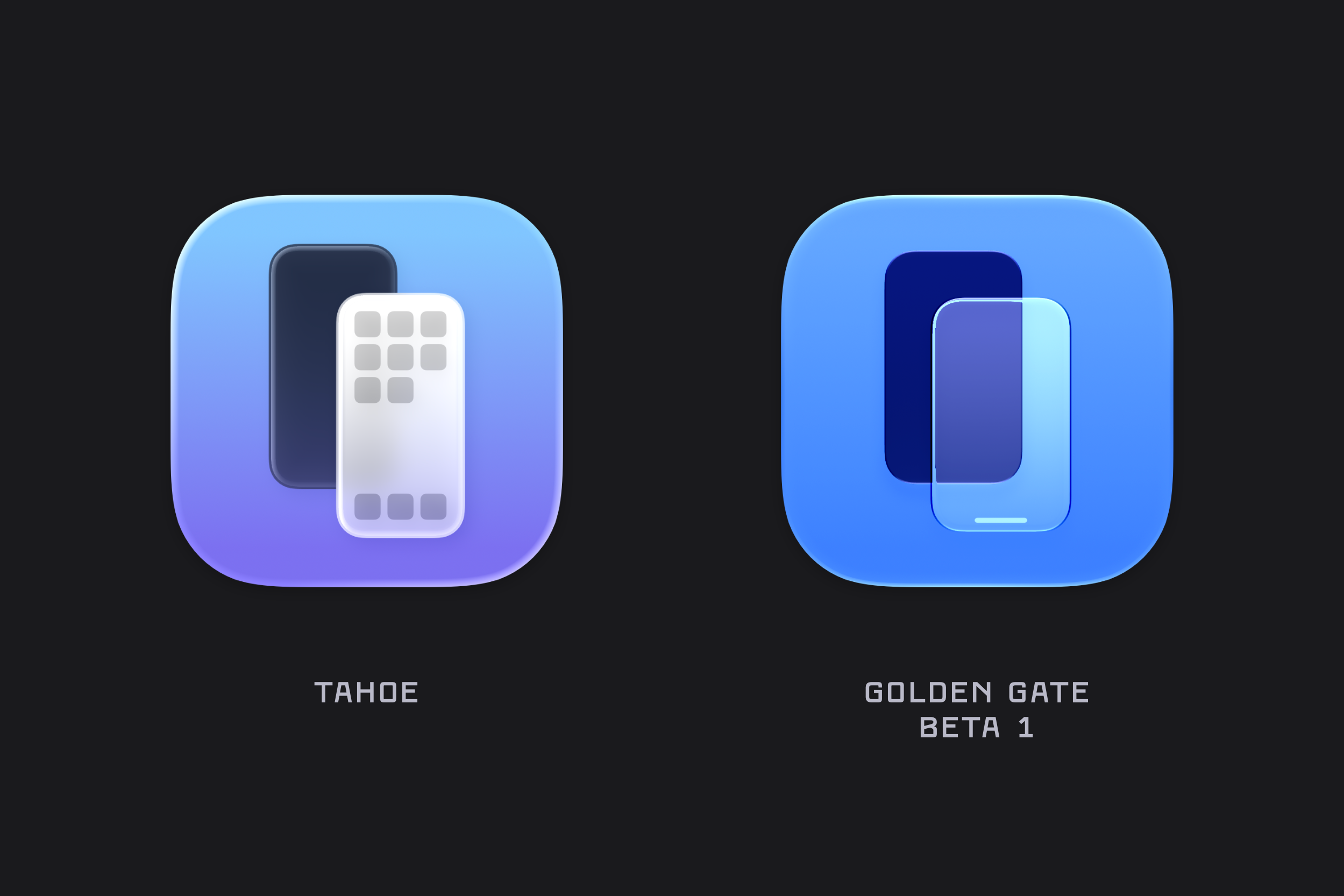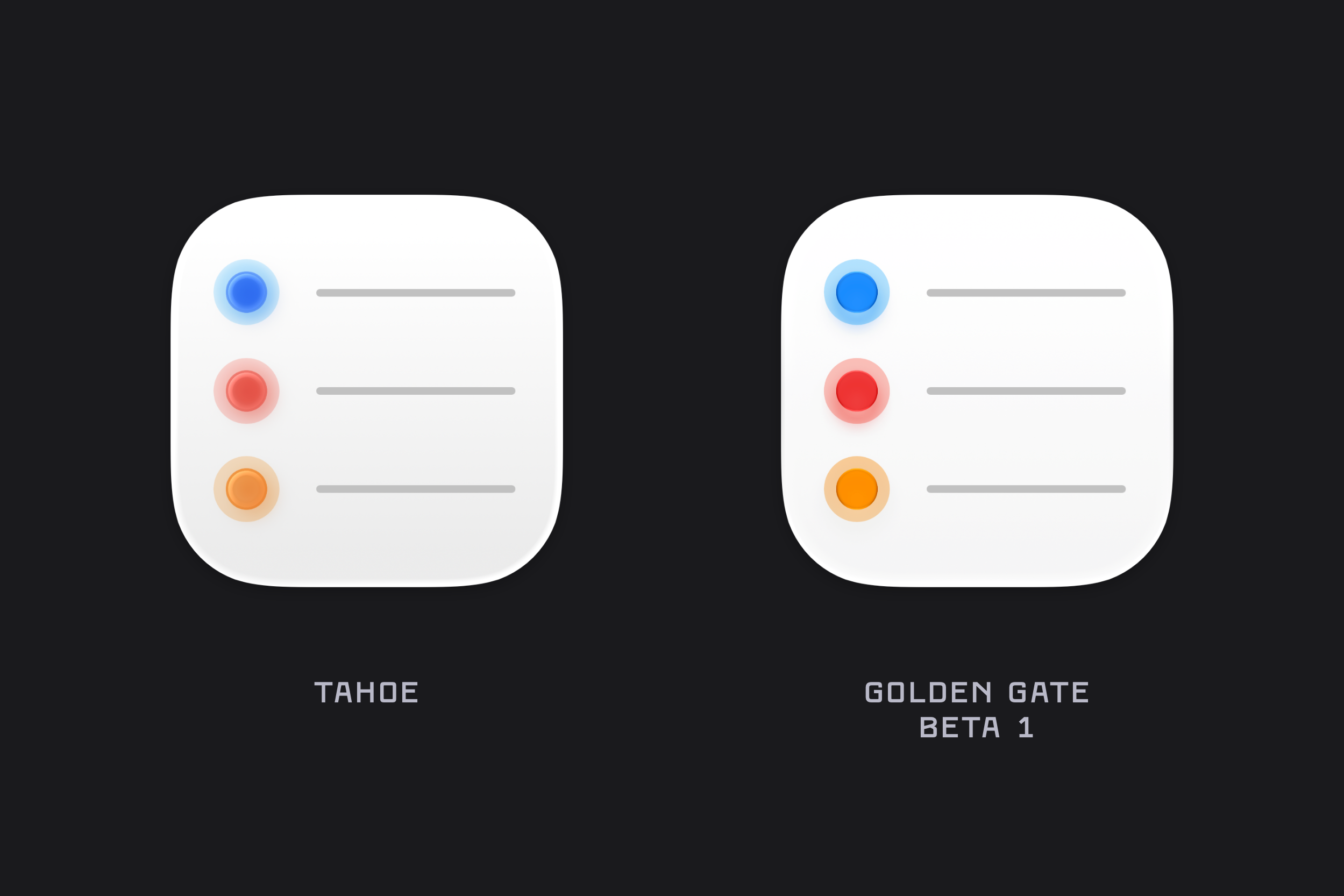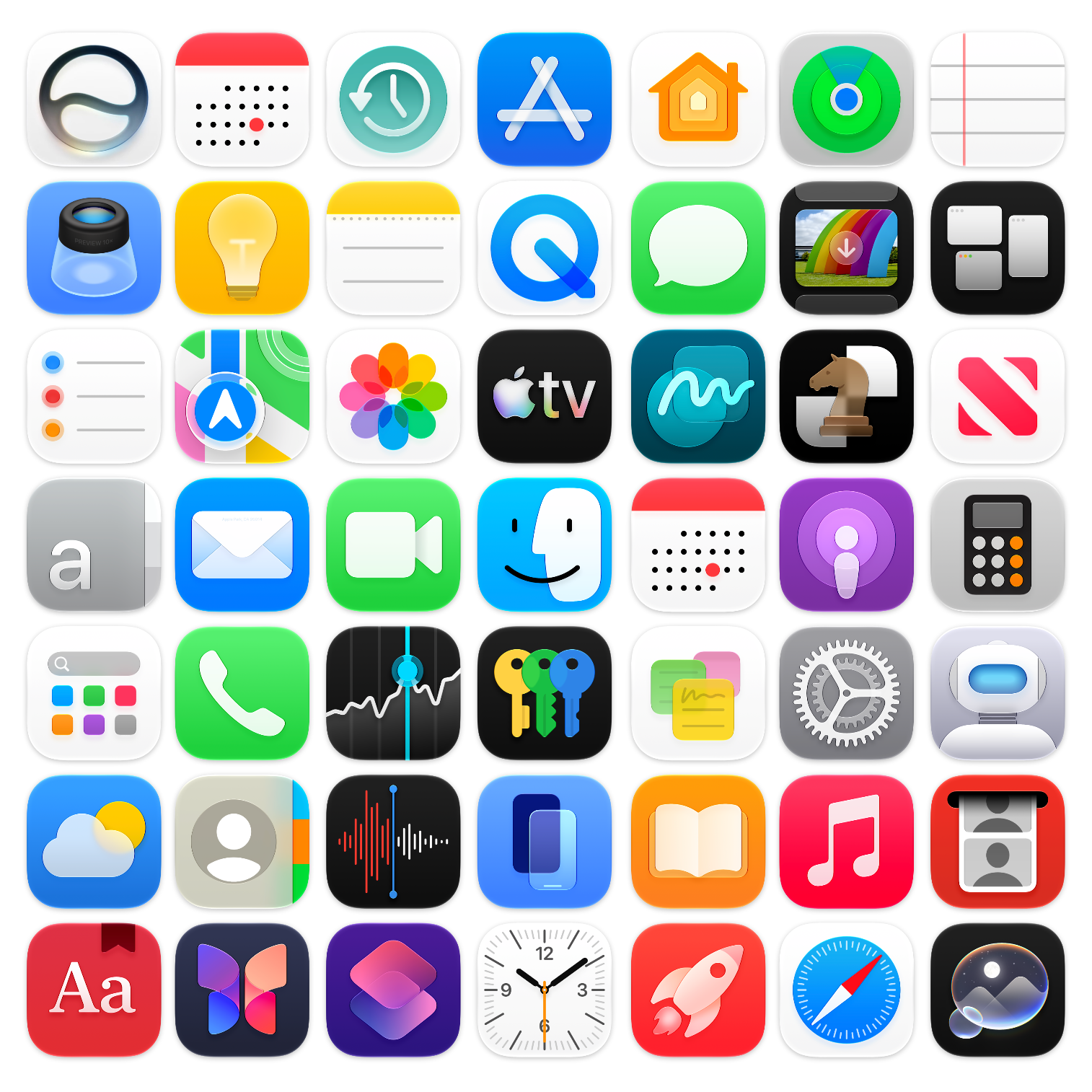
Comparing the macOS System Icons between Tahoe & Golden Gate (beta 1).
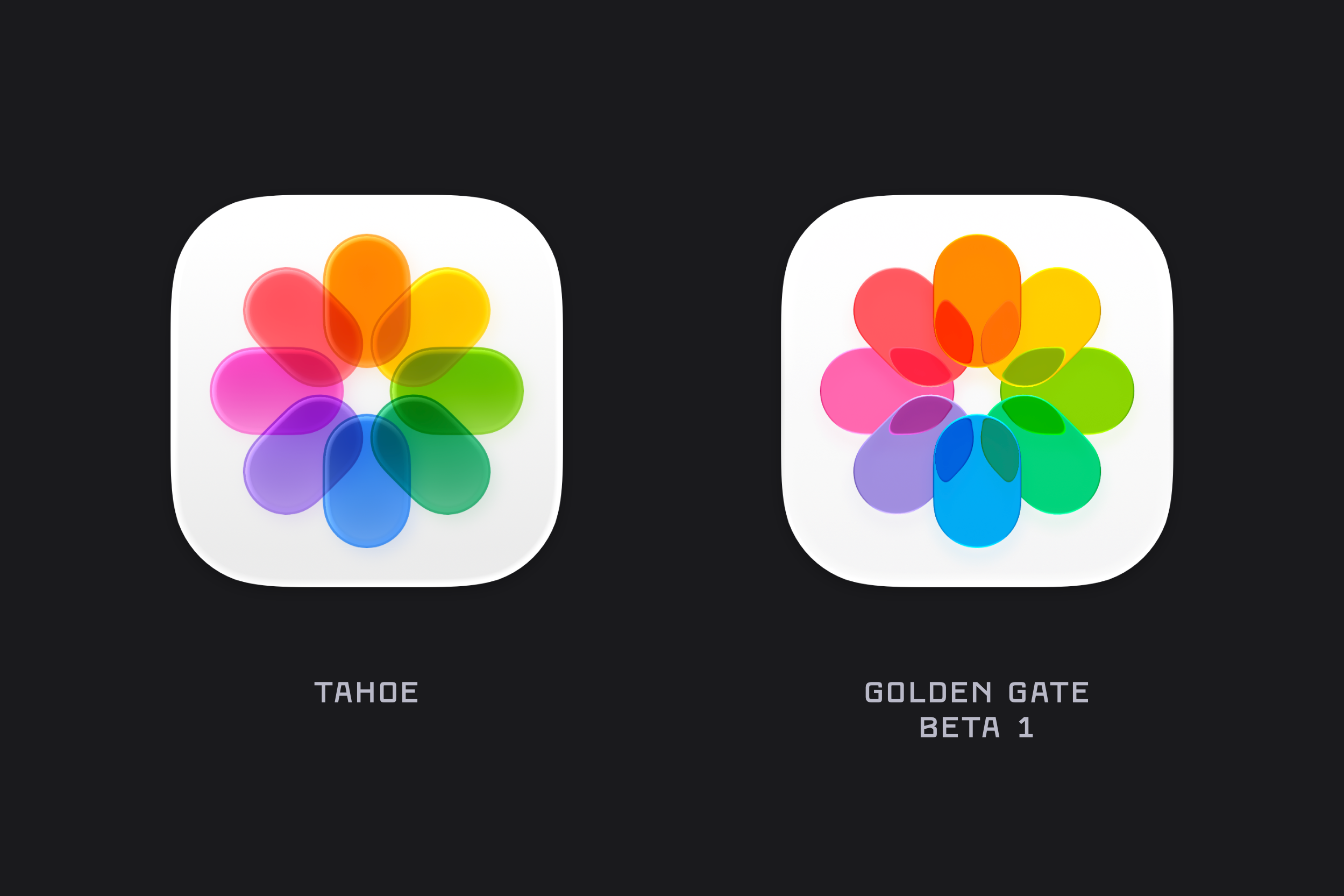
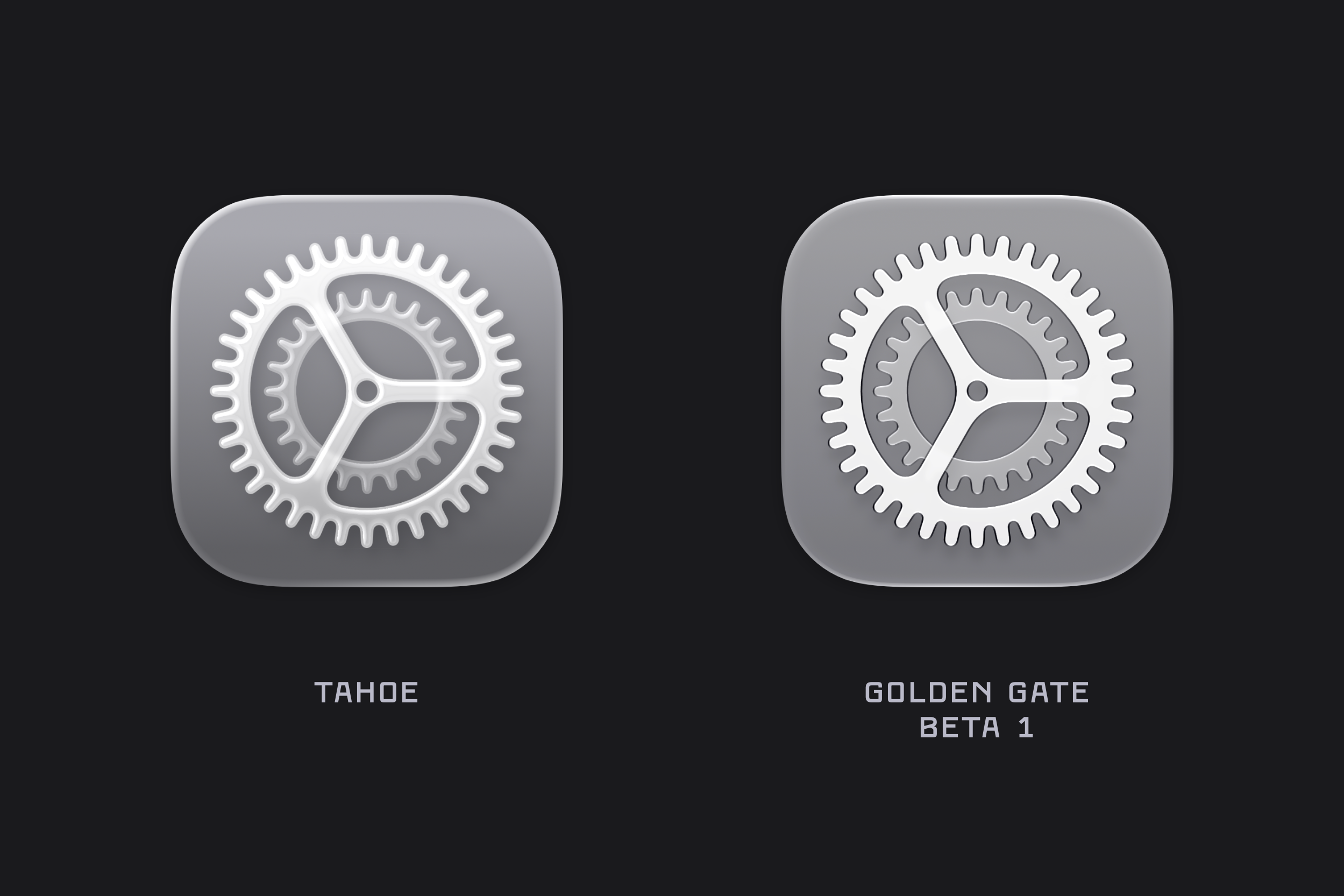
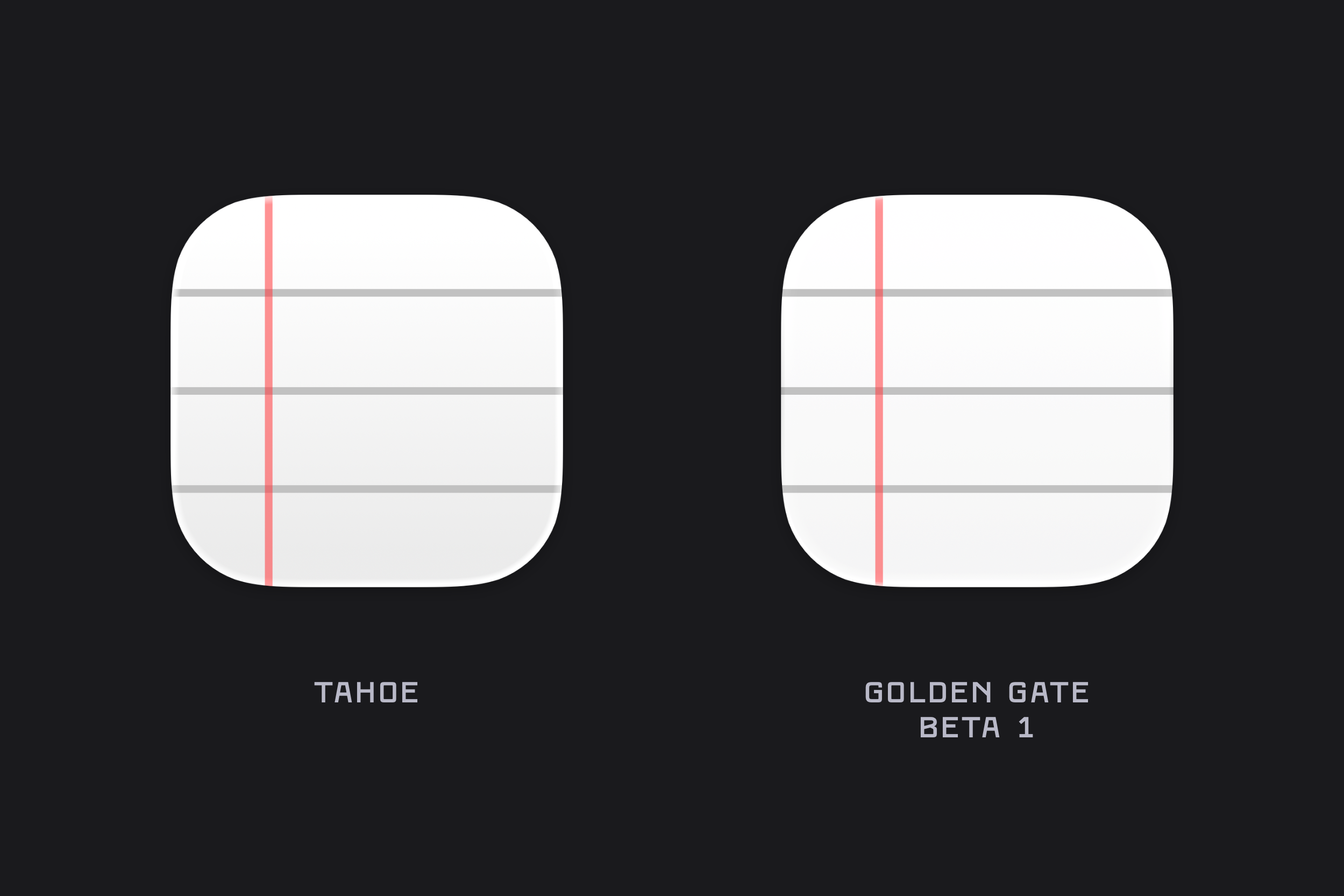
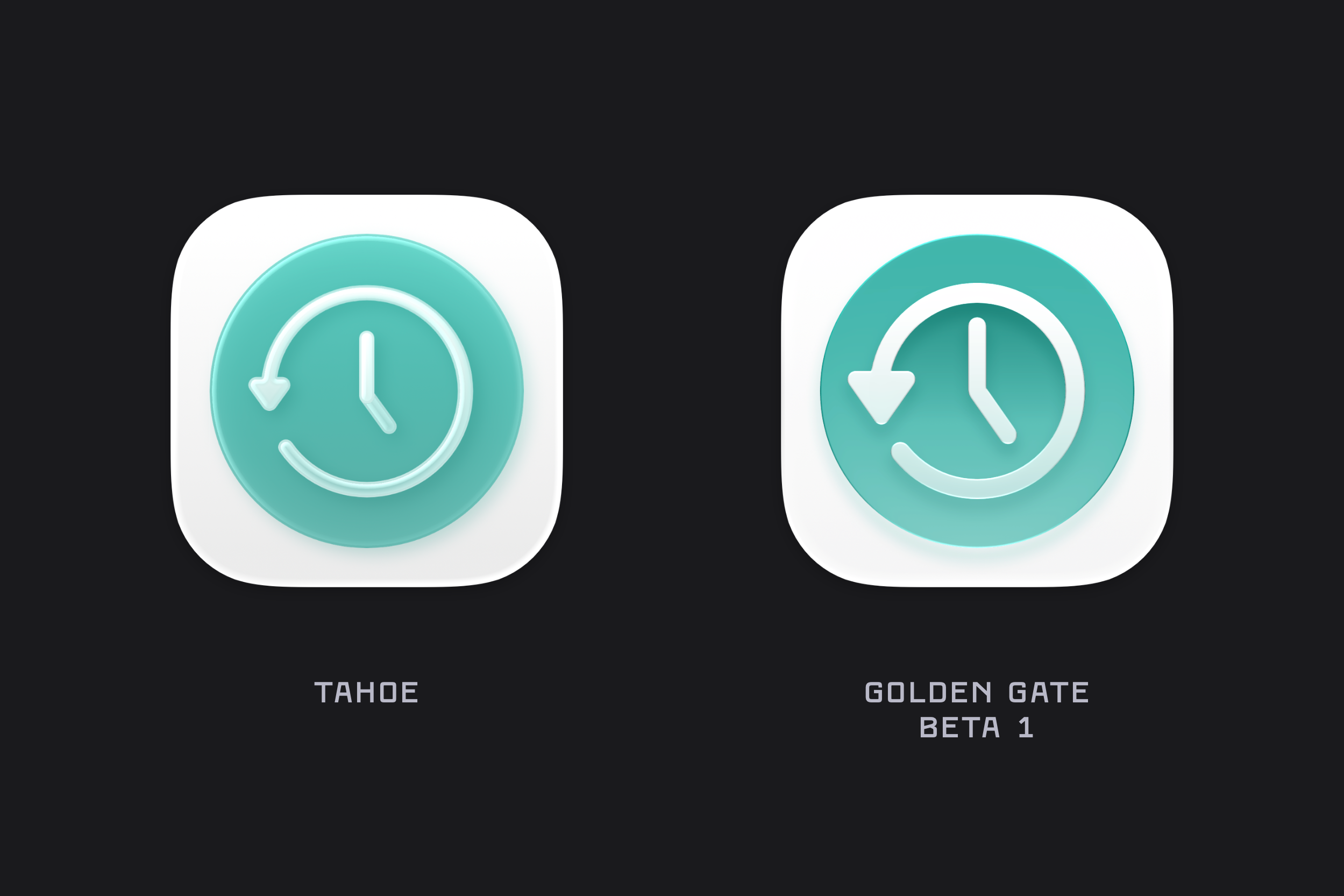
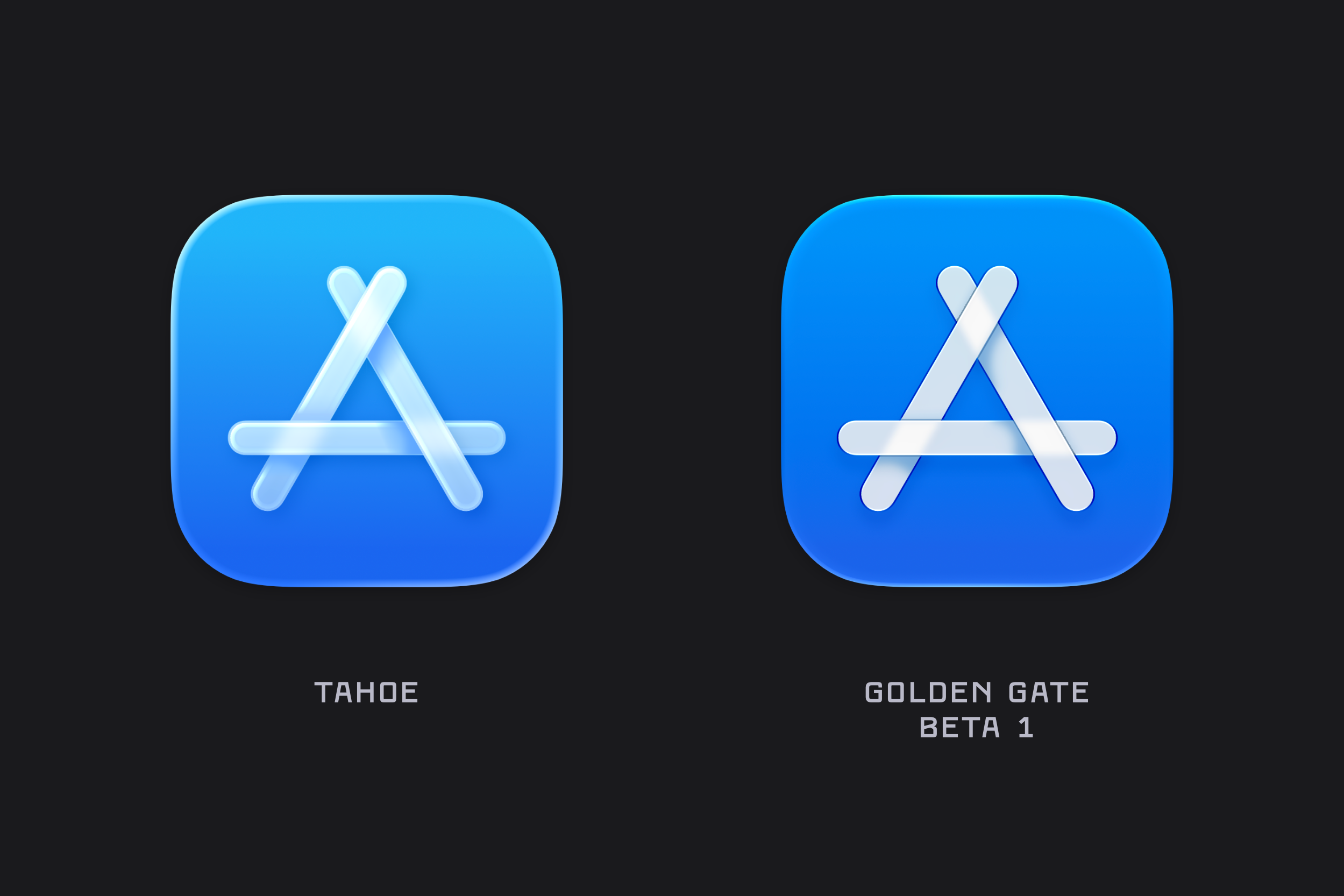
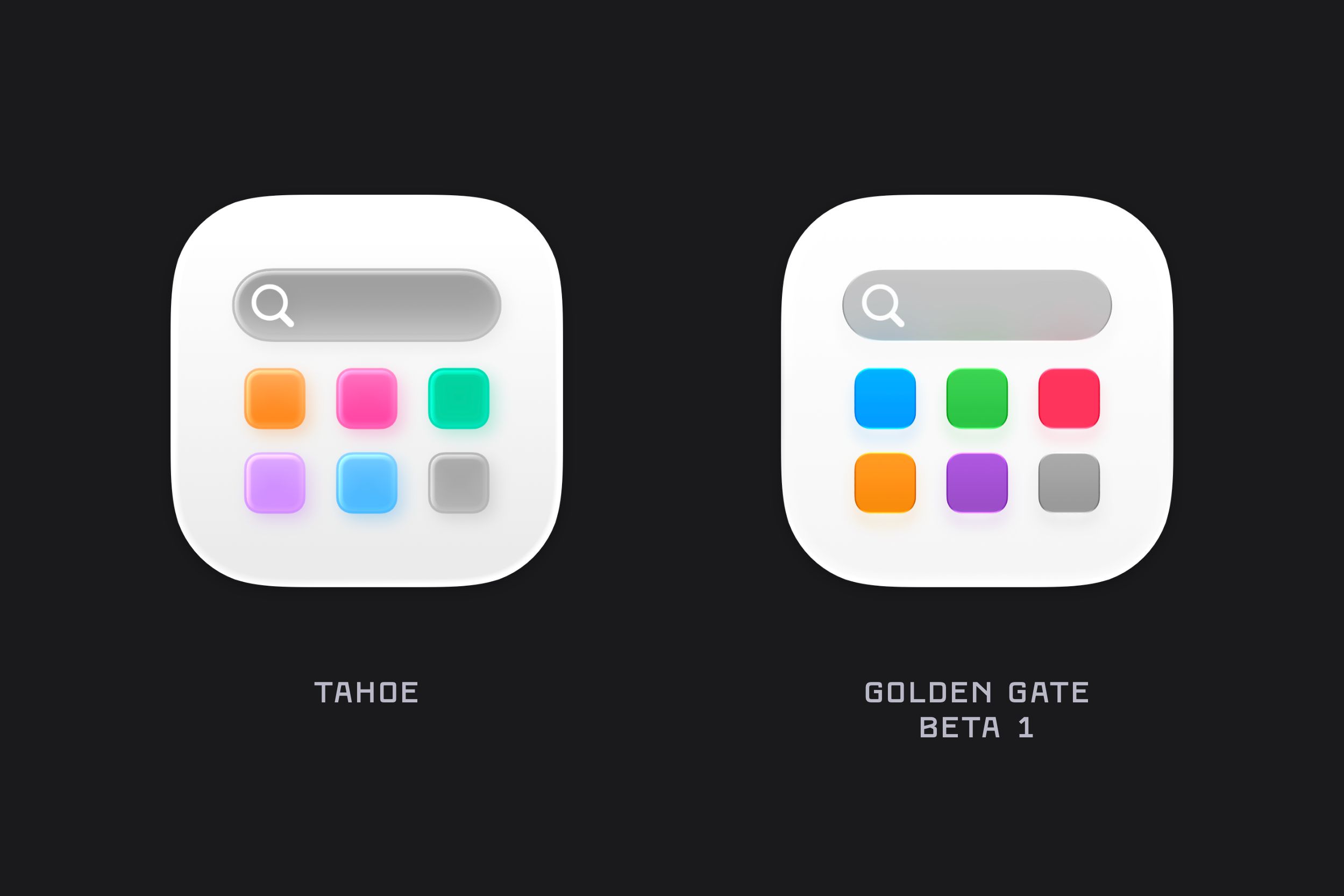
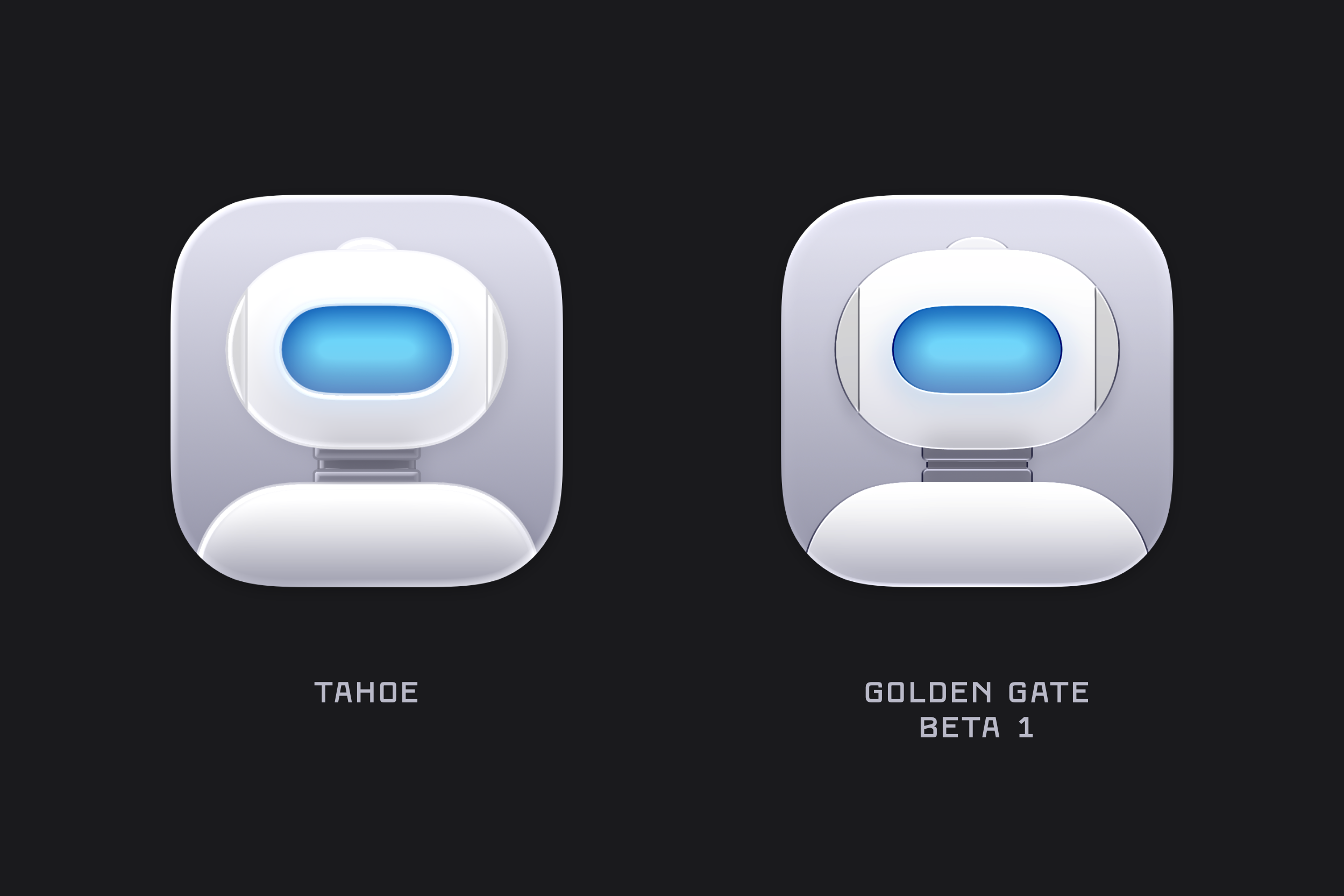
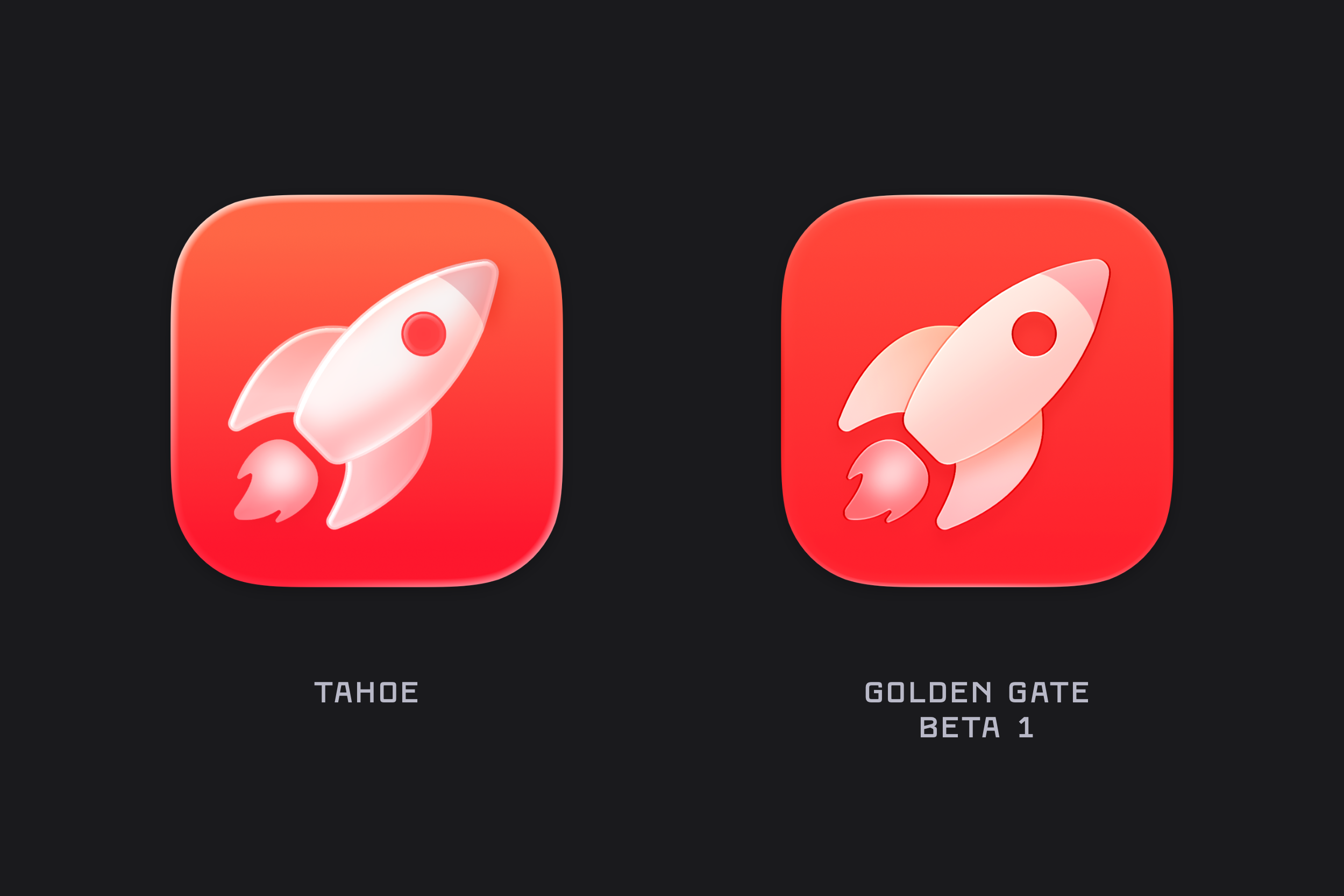
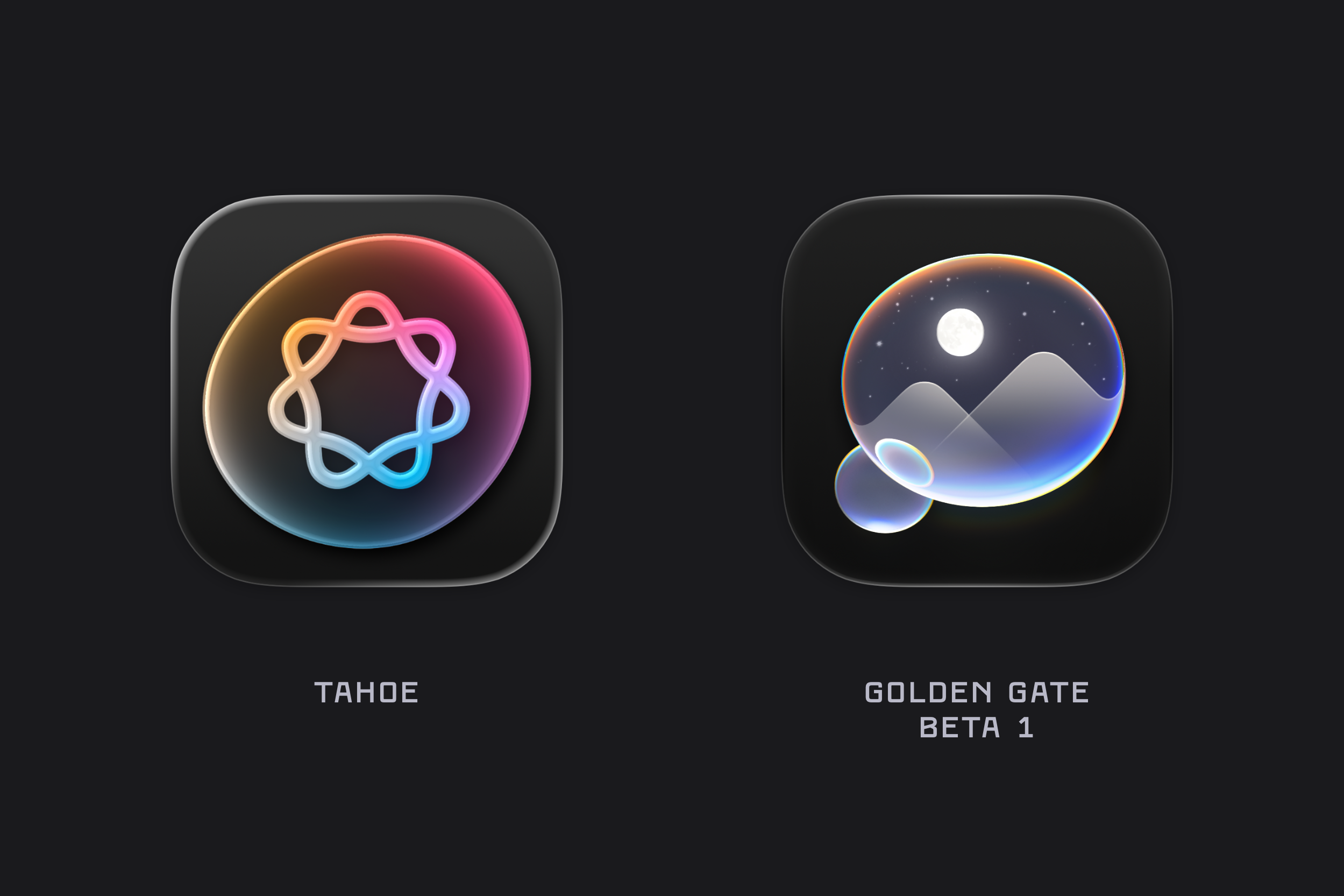
WWDC always brings a torrent of new content, details, and platform-wide changes. One of the first things I noticed after installing the macOS Golden Gate beta was the updated icon design. The colours are much bolder, several icons have been adjusted, and the refraction in the Liquid Glass effect has changed significantly, especially in icons like Journal.
There’s also a noticeable sharpness to the icons, along with a flattening of the Liquid Glass effect. I’m not sure yet whether this is simply an early-beta artifact or the intended final look. For example, while I really like the redesigned Finder icon, the sharp black edges around the nose currently feel a little unrefined.
Here are a list of many of the icons across macOS Golden Gate (beta 1) compared to their liquid glass Tahoe counterpart. Enjoy!
Finder
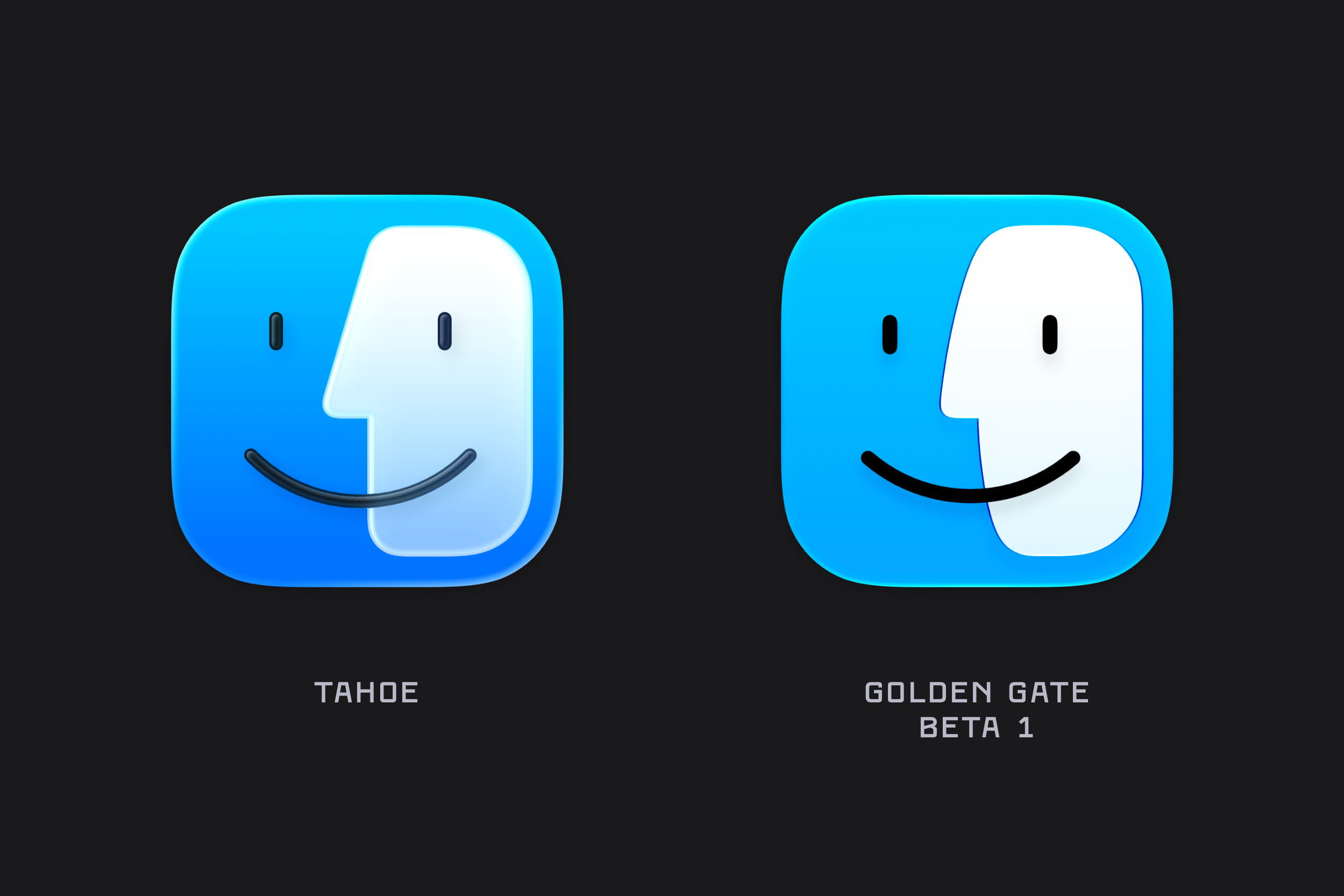
Finder has undergone a bit of rhinoplasty over the past year, returning to the more rounded nose that recalls earlier iterations of the icon.
App Store
Apps
Automator
Books
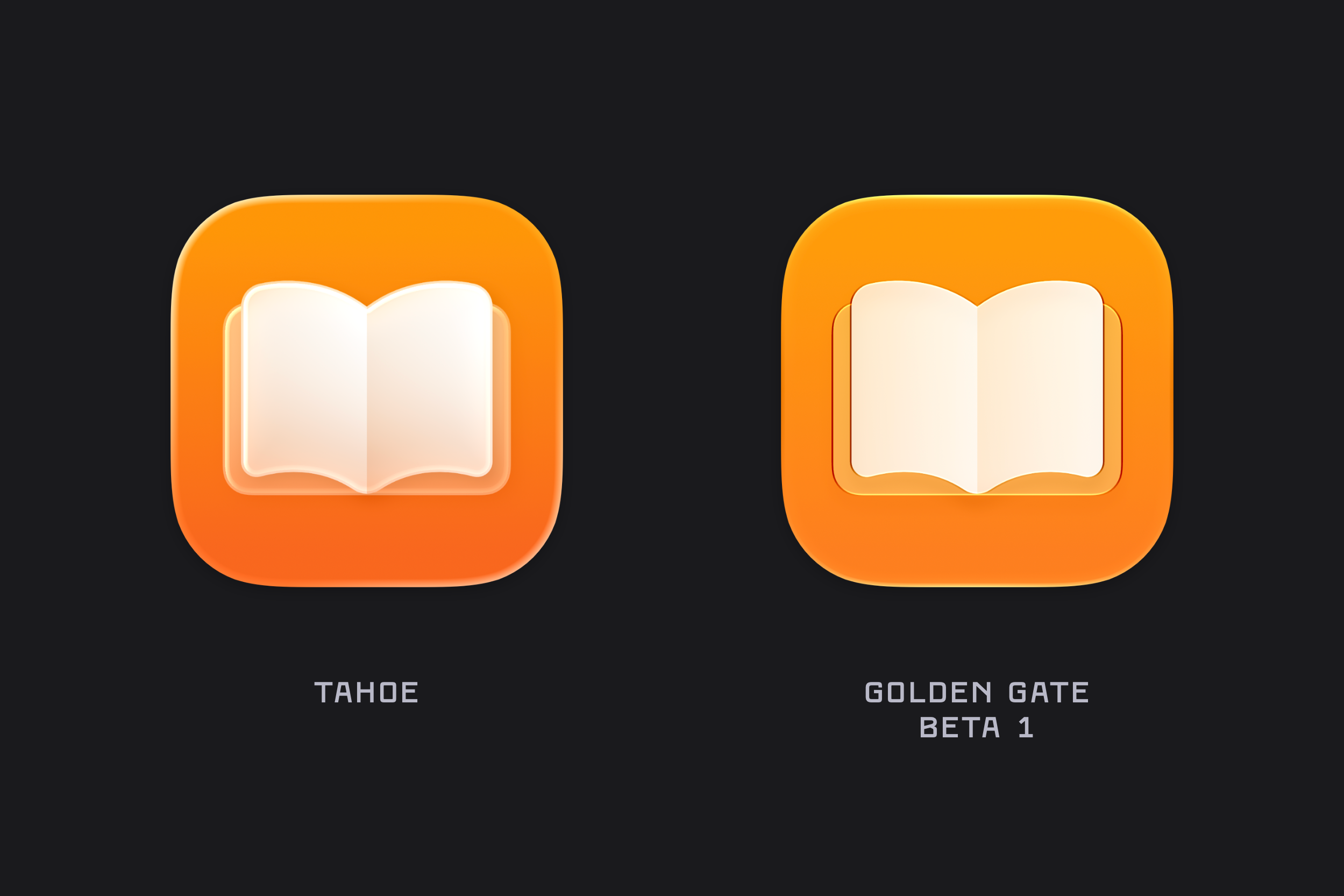
Chess
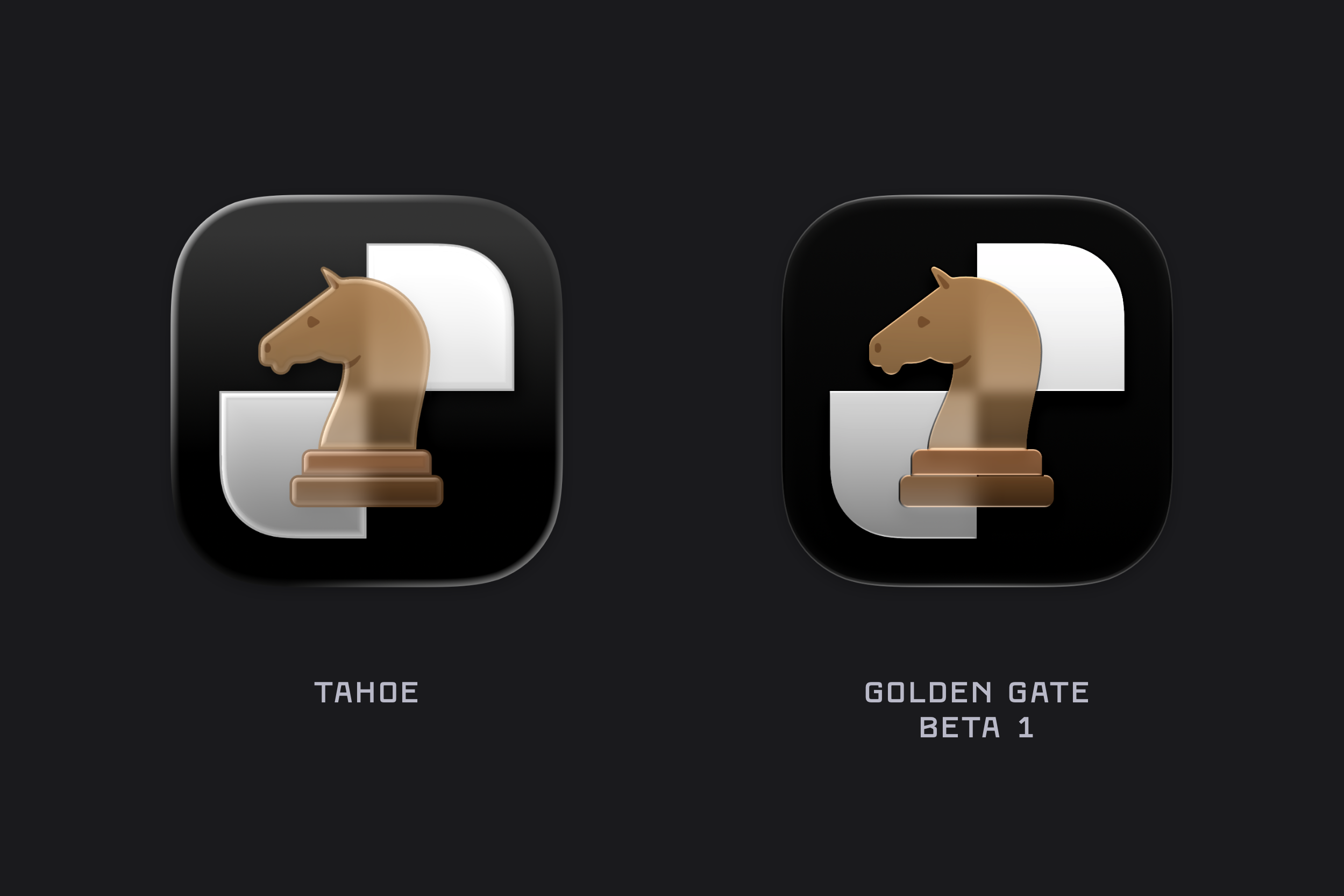
Clock
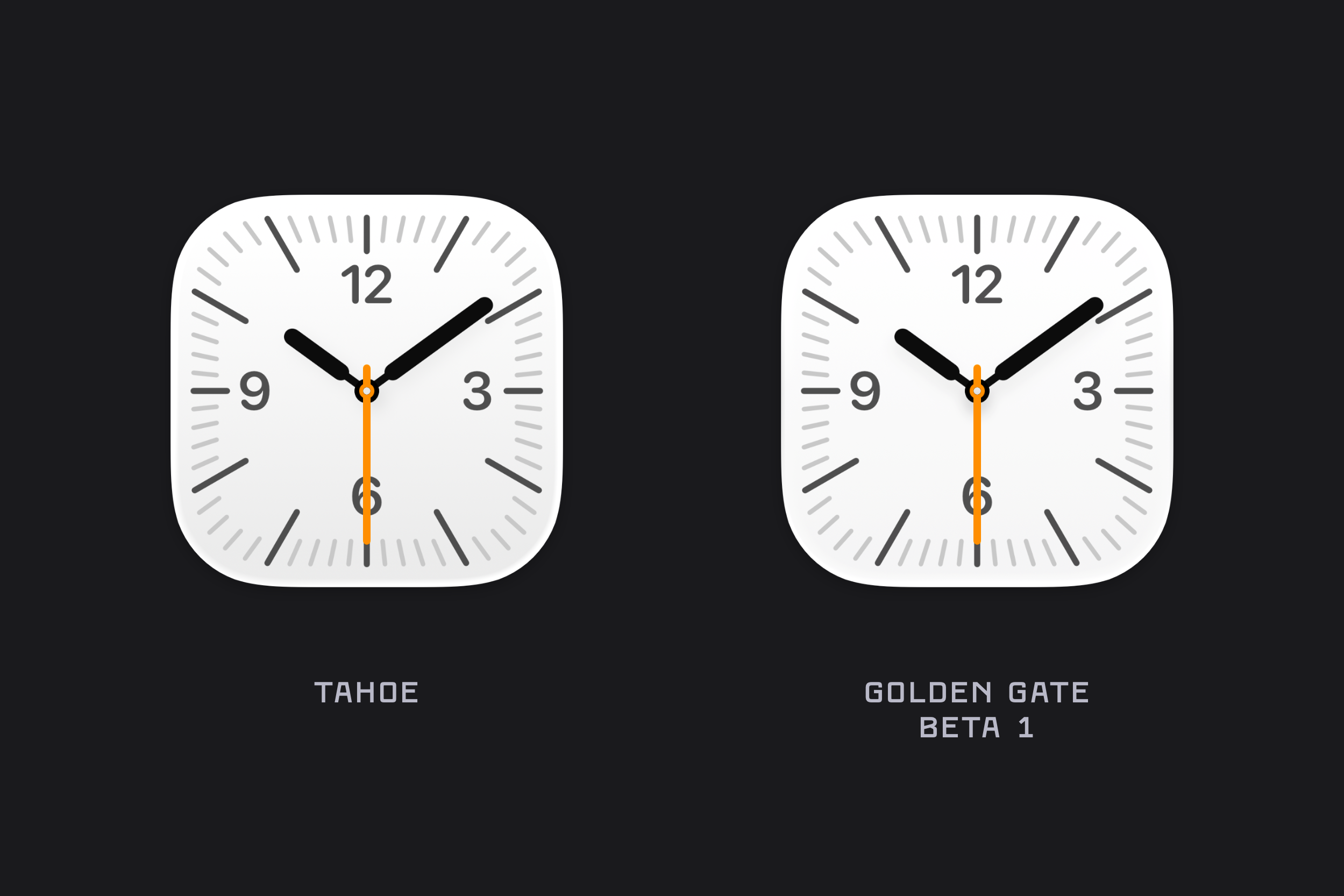
Contacts
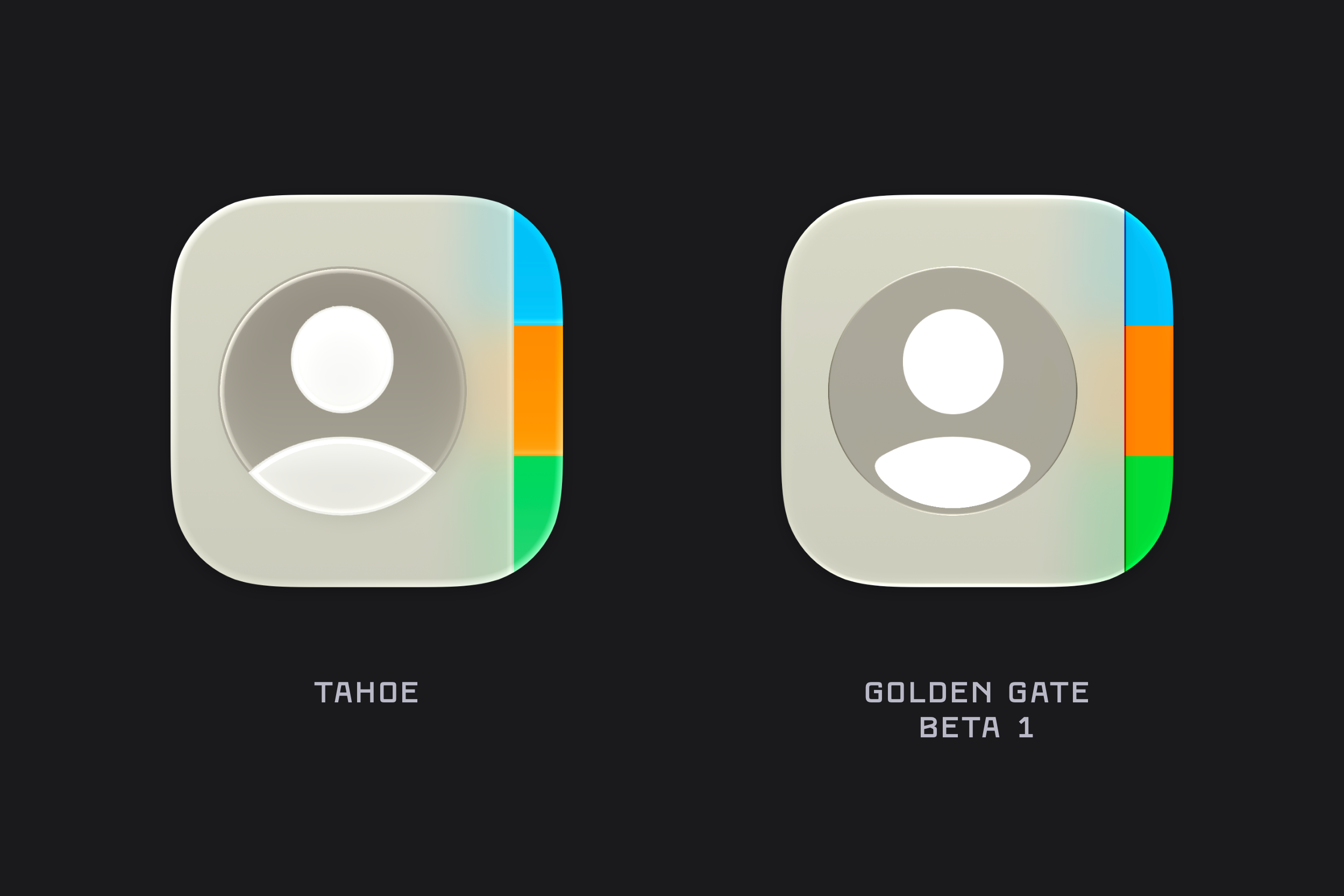
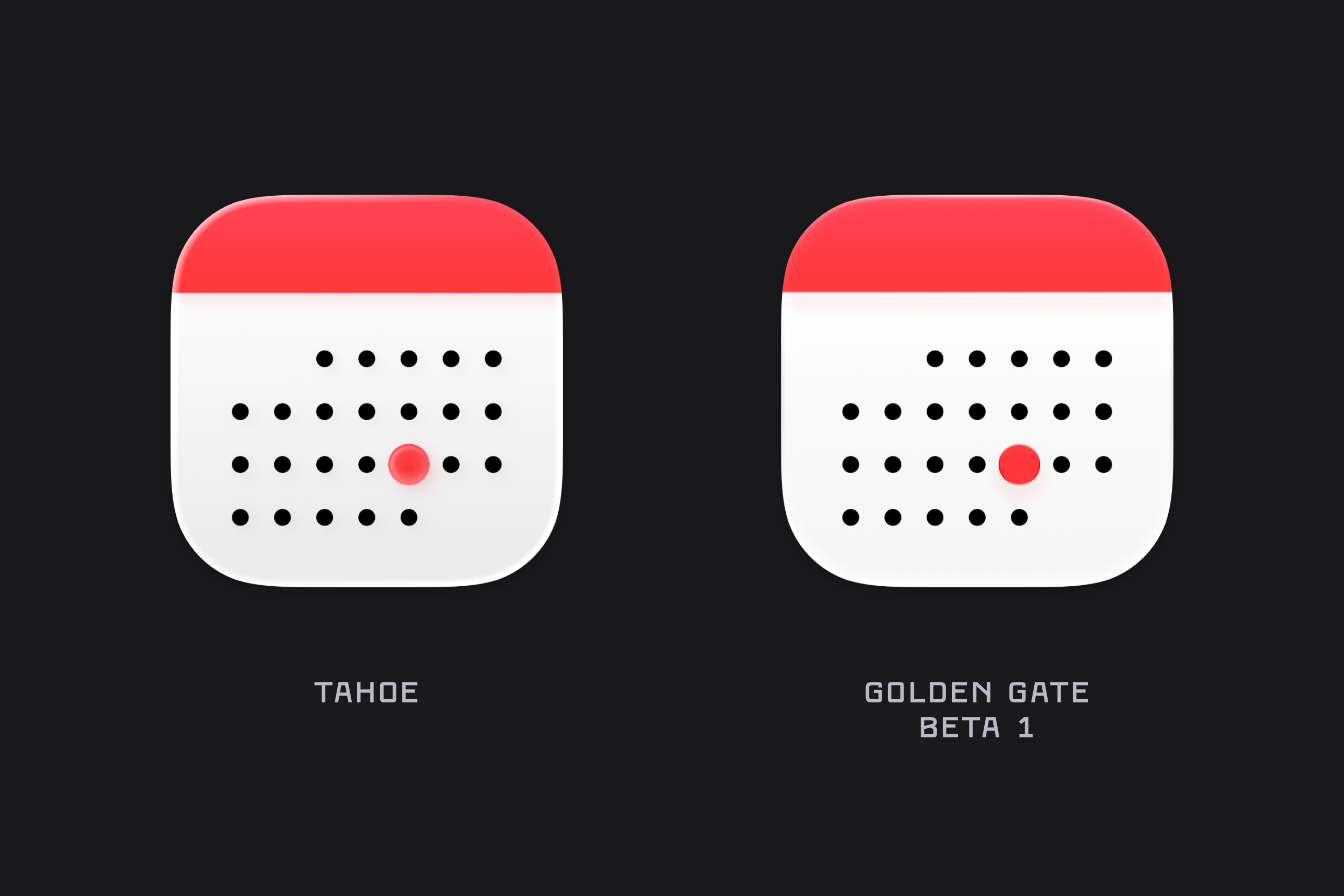
Calendar
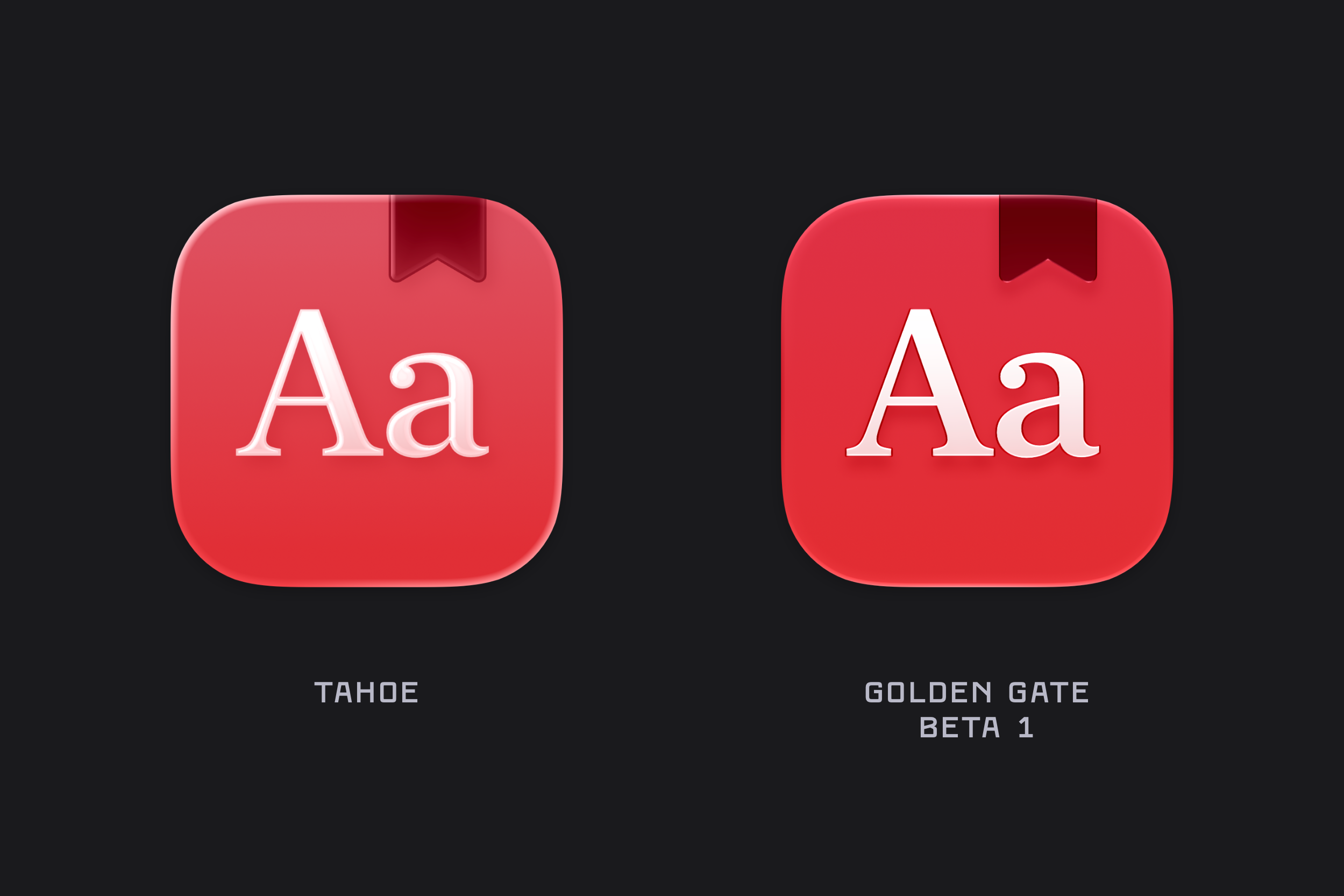
Dictionary
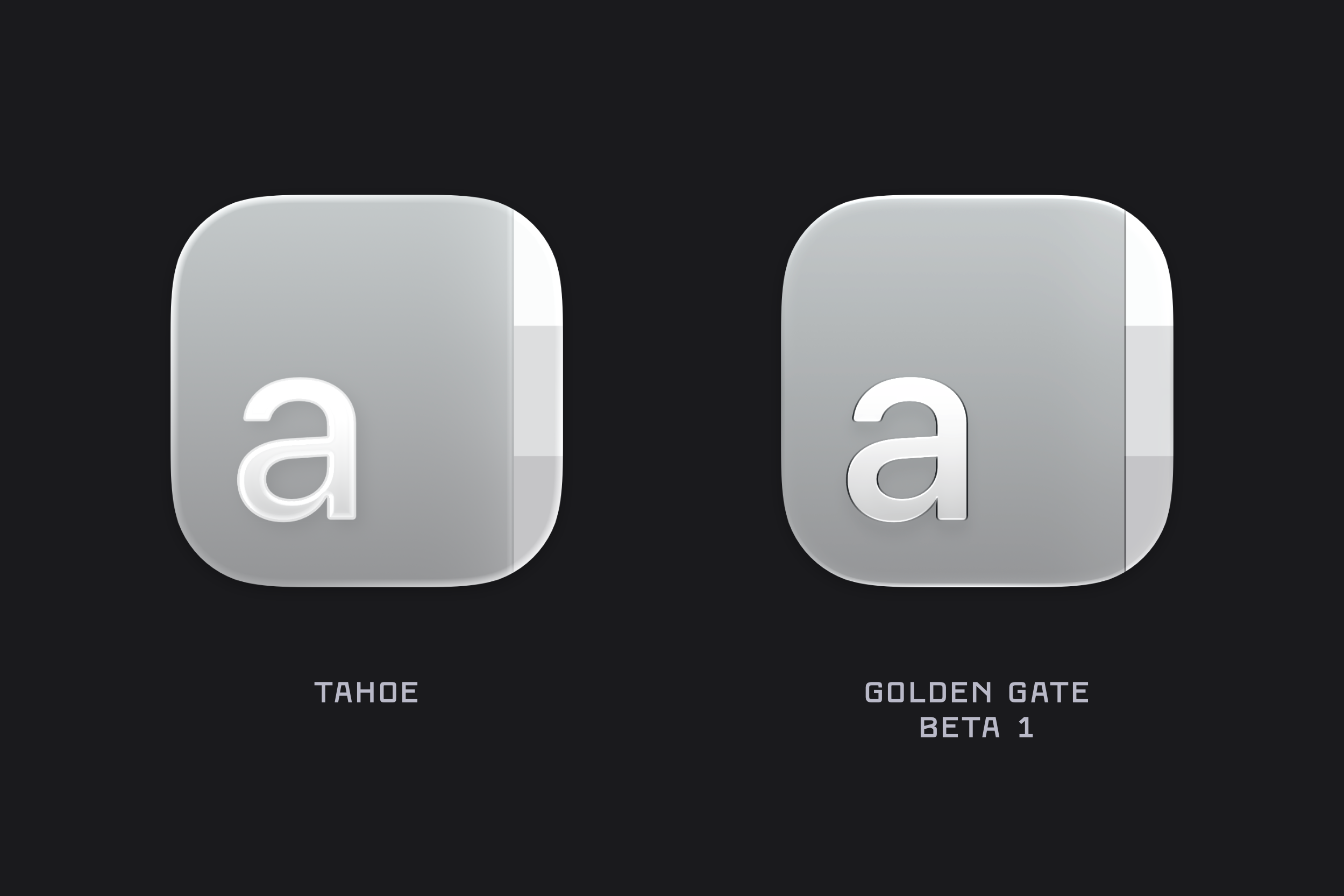
Font Book
Freeform
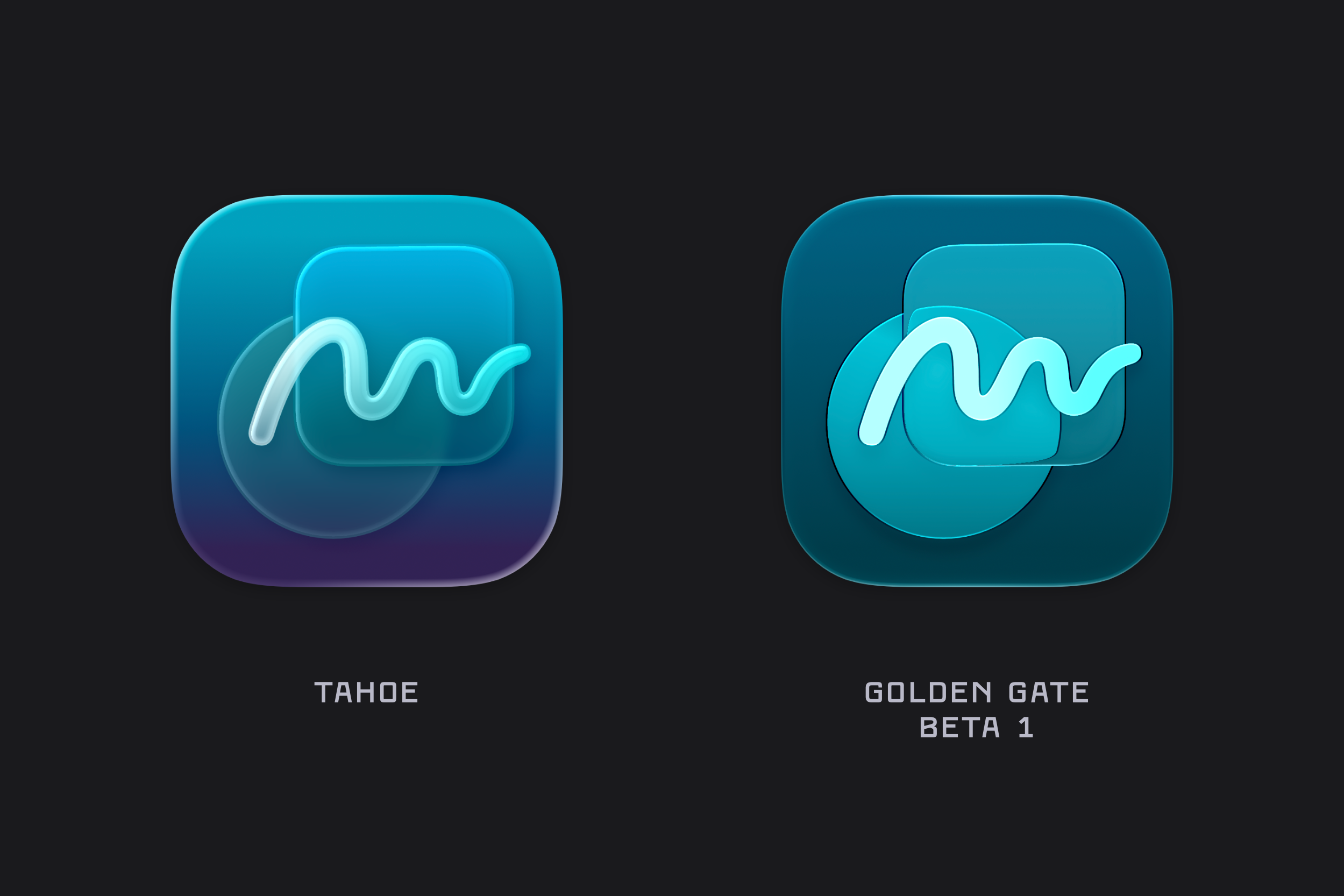
Updated colours, and the refractive properties of the Golden Gate icons are especially noticeable when you compare how the circle distorts as it approaches the edges of the rounded rectangle layered over it.
Games
Home
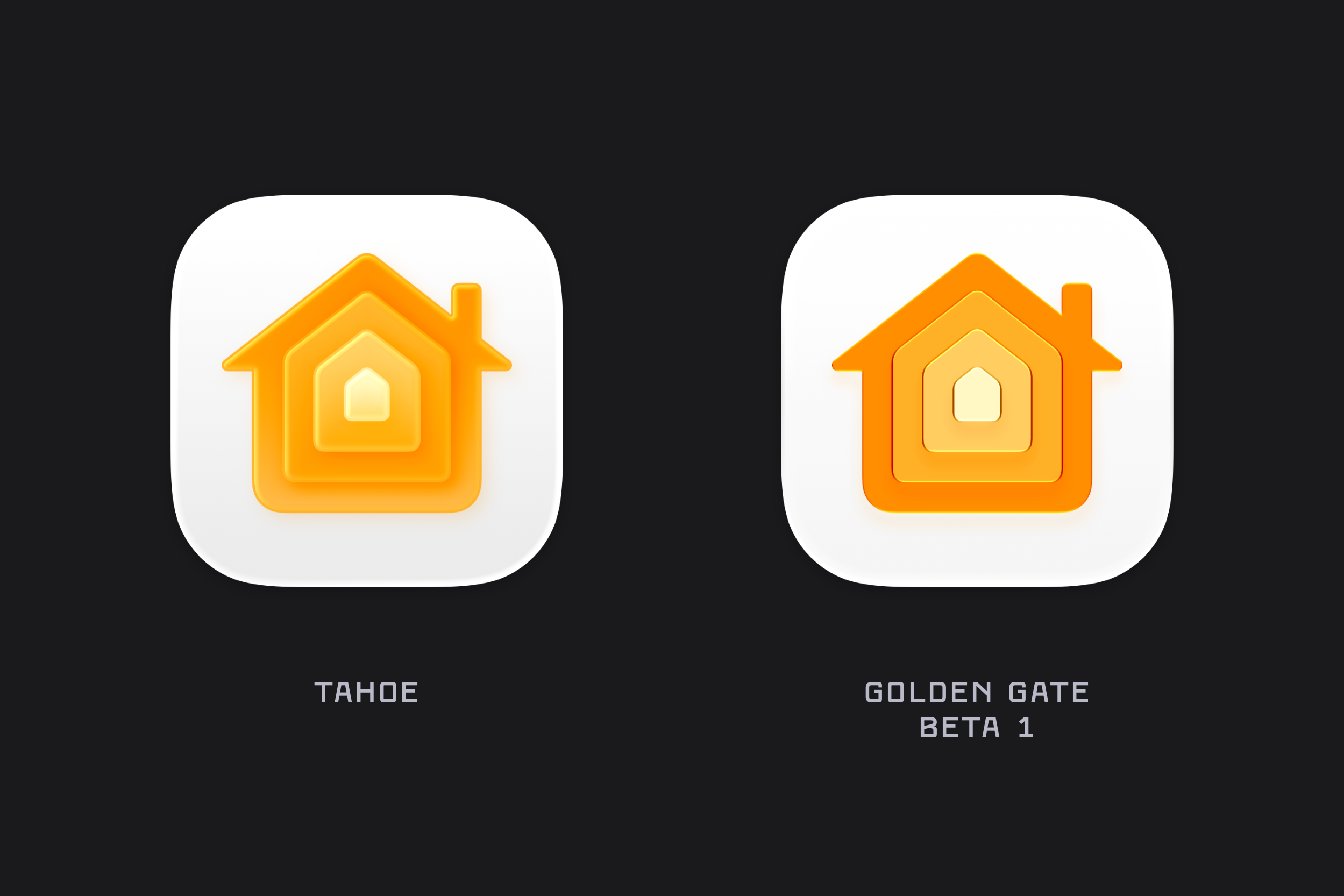
Image Playgrounds
Journal
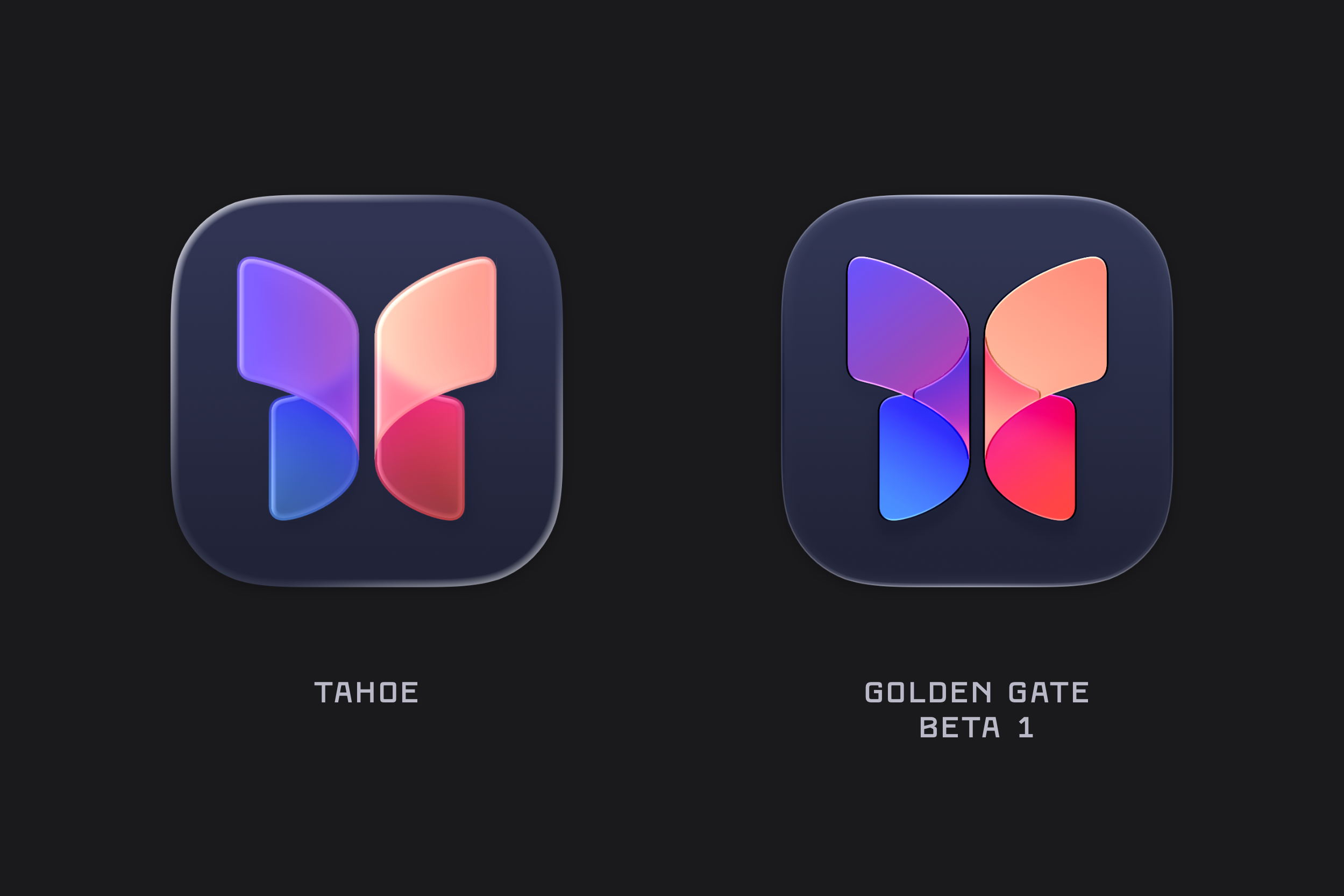
Journal is another example where we can see the updated refraction brought to macOS icons.